
Introduction
Spokenly is AI dictation that types perfectly wherever you work on Mac, iPhone, Windows and Linux.
Spokenly turns your voice into clean, punctuated text in any app on Mac, iPhone, Windows and Linux. Hold a shortcut to start, speak naturally, then release to drop the result right where you’re working. You can also switch into modes with AI Instructions and, with Agentic Actions on Mac, control your computer hands-free.
On Mac, you can also record meetings with system audio and your microphone, save them in History, and transcribe them afterward without a bot joining the call.
How it works
Press & hold
Use your Spokenly shortcut to start listening.
Speak
Talk in full sentences; punctuation and formatting are handled for you.
Release to type
Let go and your words appear in the active app automatically.
Pick a dictation model
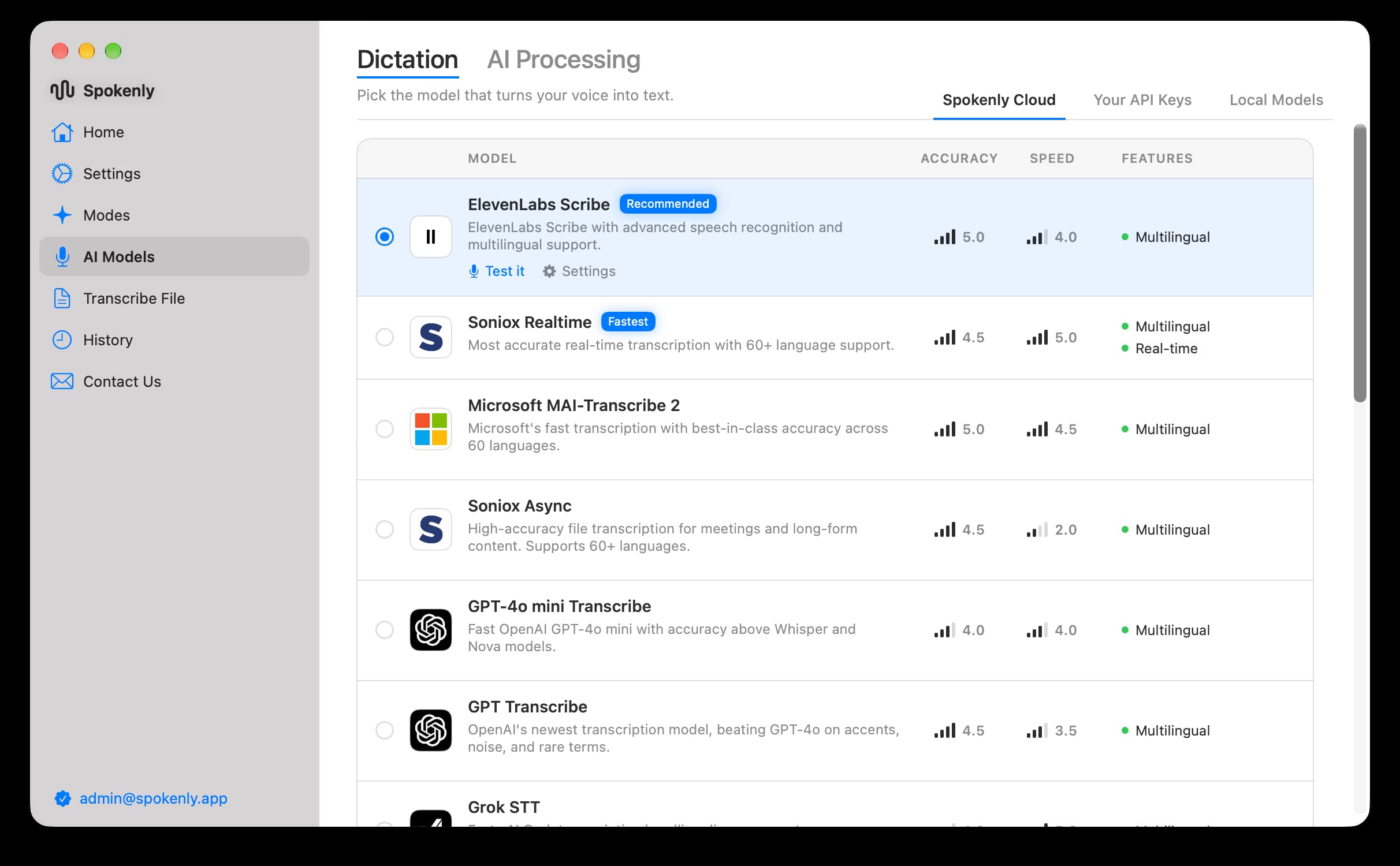
Choose between fast and high-accuracy models. Try a couple to see which best matches your language and accent.
What you can do
- Dictate documents, emails, and notes with strong accuracy.
- Use modes with AI Instructions to summarize, rewrite, or generate text.
- Control your Mac with Agentic Actions for hands-free productivity.
- Work fully offline with local models; turn on Local Only Mode for extra privacy.

