
Verdict at a Glance
Promising, but scoped
Eloquent gives Mac and iPhone users a free on-device dictation option with cleanup. Its main limitation is scope: it does not cover Windows, provider choice, BYOK cloud transcription, or developer workflows.
What Is Google AI Edge Eloquent?
Google AI Edge Eloquent is a dictation app from Google built around Gemma technology. Instead of returning every filler word and self-correction, it tries to infer the intended clean text. That makes it closer to an AI dictation editor than a plain speech recognizer.
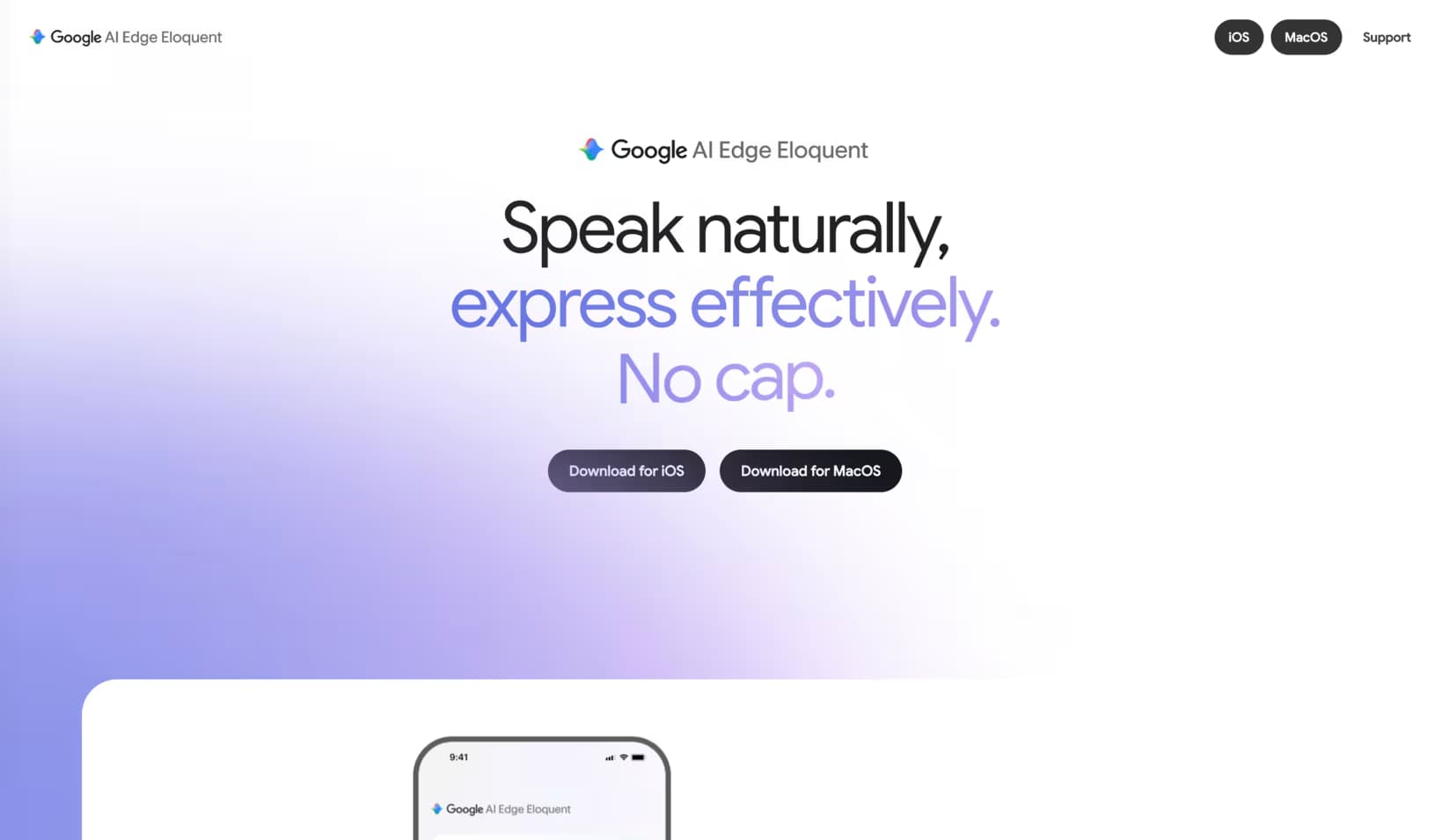
Mac and iPhone Availability
iPhone
Eloquent is a free Gemma-powered dictation app for iPhone and iPad. It is strongest as a simple on-device mobile dictation option.
Mac
The macOS version adds offline dictation, text editing, and Voice Edit powered by Gemma 4 12B.
On-Device Dictation and Offline Processing
Eloquent lowers the setup barrier for local dictation. Users can try on-device speech-to-text without installing models, configuring a local runtime, or choosing a separate Mac utility first.
Free on-device dictation is a strong entry point for people who want privacy without setup.
The macOS release adds system-wide utility through a hotkey and on-device Voice Edit.
Filler-word and self-correction cleanup make it useful for people who speak in rough drafts.
File transcription gives it a broader role than short-form live dictation.
Voice Edit and Cleanup
Voice Edit is the feature that makes Eloquent more than a raw transcript tool. You can speak naturally, then ask the app to reshape text into a cleaner form while the core workflow stays on-device.
This is the same broad direction as modern dictation apps: capture messy speech, remove filler, preserve intent, and return text that is ready to paste into mail, notes, documents, or chat.
File Transcription
File transcription makes Eloquent useful beyond live dictation, especially for voice memos, interviews, meetings, and rough audio notes.
Google AI Edge Eloquent vs Spokenly
Eloquent fits people looking for free offline dictation from Google. Spokenly fits people who need a cross-platform workflow with local models, BYOK cloud accuracy, Windows and Linux support, iOS keyboard workflows, and developer automation.
Price
Google AI Edge Eloquent
Free
Spokenly
Free with local models or BYOK, Pro $9.99/mo or $99.99/yr
Platforms
Google AI Edge Eloquent
macOS plus iPhone, iPad, and iPod touch based on public Apple availability
Spokenly
macOS 13.3+, Windows 10/11, Linux, iOS 16+
Offline mode
Google AI Edge Eloquent
Core Eloquent pitch, on-device processing
Spokenly
Local Parakeet, Whisper, and Local Only Mode
Cloud choice
Google AI Edge Eloquent
Google-managed product path
Spokenly
BYOK to OpenAI, Deepgram, and Groq, plus managed Pro providers
Developer workflow
Google AI Edge Eloquent
General dictation and editing
Spokenly
MCP server, Agent Mode, terminal and AI coding workflows
Best fit
Google AI Edge Eloquent
Free on-device dictation on Mac and iPhone
Spokenly
People who need local plus cloud choice across platforms
Who Should Use Eloquent?
Choose Eloquent if...
You want a free Google-made dictation app, you are mainly on iPhone and Mac, and offline cleanup is more important than provider choice.
Choose Spokenly if...
You need Windows, multiple local speech models, BYOK cloud transcription, MCP, Agent Mode, file exports, or system-wide workflows across more places.
It is not a full cross-platform dictation stack for macOS, Windows, Linux, and iOS.
It does not replace a provider-flexible workflow with BYOK cloud models.
It is not built around developer MCP workflows, terminal dictation, or AI coding agents.
For a broader market view, see Best Dictation Software 2026, Dictation for Mac, and Dictation for iPhone.
FAQ
What is Google AI Edge Eloquent?
Google AI Edge Eloquent is Google's dictation app powered by Gemma technology. It focuses on turning rough speech into cleaner text, with on-device processing, cleanup of fillers and self-corrections, and Voice Edit on Mac.
Is Google AI Edge Eloquent free?
Yes. Google AI Edge Eloquent is free to download on the App Store. Pricing and availability can change, so check the current App Store page before making a product decision.
Does Google AI Edge Eloquent work offline?
Yes. Eloquent runs dictation and Voice Edit on-device, which makes offline processing the central appeal of the product.
Google AI Edge Eloquent vs Spokenly: which should you use?
Use Eloquent if you want a free Google on-device dictation app and mainly work on Mac or iPhone. Use Spokenly if you need Windows or Linux support, provider choice, BYOK cloud transcription, local model options, or developer workflows.
Is Google AI Edge Eloquent available for Windows?
No. Eloquent is available for iPhone and macOS, while Spokenly also ships on Windows 10 and 11 and Linux.
Can Google AI Edge Eloquent transcribe audio files?
Yes. Eloquent includes file transcription alongside live dictation and Voice Edit. Check the current App Store listing before relying on a specific file workflow, because feature availability can change.