
 vs
vs
Spokenly vs Raycast Dictation
Dedicated dictation app with local offline models vs a cloud dictation feature built into the Raycast launcher.
Updated July 2026
Download SpokenlyQuick Answer
Spokenly is completely free with local models and bring-your-own API keys, and it can run fully offline on your Mac. Raycast Dictation is a cloud feature built into the Raycast launcher: it works system-wide and is free during the public beta, but it sends audio to Raycast servers and has no offline mode. Choose Raycast Dictation if you already use Raycast every day and want zero extra apps. Choose Spokenly if you want offline privacy, a choice of transcription engines, or 100+ languages.

Spokenly
- Local plus cloud: free offline models and premium cloud engines
- Full offline mode with Local Only Mode, audio never leaves your device
- Pick your engine or bring your own keys (OpenAI, Deepgram, Groq)
- 100+ languages, modes with AI Instructions, MCP server for coding agents
- Completely free with BYOK, optional Pro at $9.99/mo
- Dedicated dictation app, not tied to a launcher

Raycast Dictation
- -Cloud dictation built into the Raycast launcher
- -System-wide, hotkey and push-to-talk, with AI cleanup
- -macOS, Windows, and iOS via the Raycast Keyboard
- -No offline mode, audio is processed in the cloud
- -Free during the public beta
- -Around 20 minutes per dictation session
Feature Comparison
Side-by-side breakdown of key features and capabilities.
| Feature | Spokenly | Raycast Dictation |
|---|---|---|
| Processing | Local or cloud, your choice | Cloud only |
| Offline mode | Full offline with local models | No |
| Format | Dedicated dictation app | Part of the Raycast launcher |
| Platforms | macOS, iOS, Windows, Linux | macOS, Windows, iOS |
| Pricing | Free with BYOK, Pro $9.99/mo | Free during beta |
| Session length | Long sessions | Around 20 min per session |
| Engine choice (BYOK) | OpenAI, Deepgram, Groq, plus local | Raycast engine only |
| Languages | 100+ | Not publicly stated |
| Custom vocabulary | Yes | Yes |
| AI text cleanup | Yes, modes with AI Instructions | Yes, style prompts |
| App-aware context | Yes | Yes |
| Dictation history | Yes | Yes, stored locally |
| Coding agent integration | Built-in MCP server | Via third-party extensions |
| Privacy | Local Only Mode, audio on device | Cloud, audio not retained |
| File transcription | Yes, with subtitle export | Live dictation only |
A Closer Look at Raycast Dictation
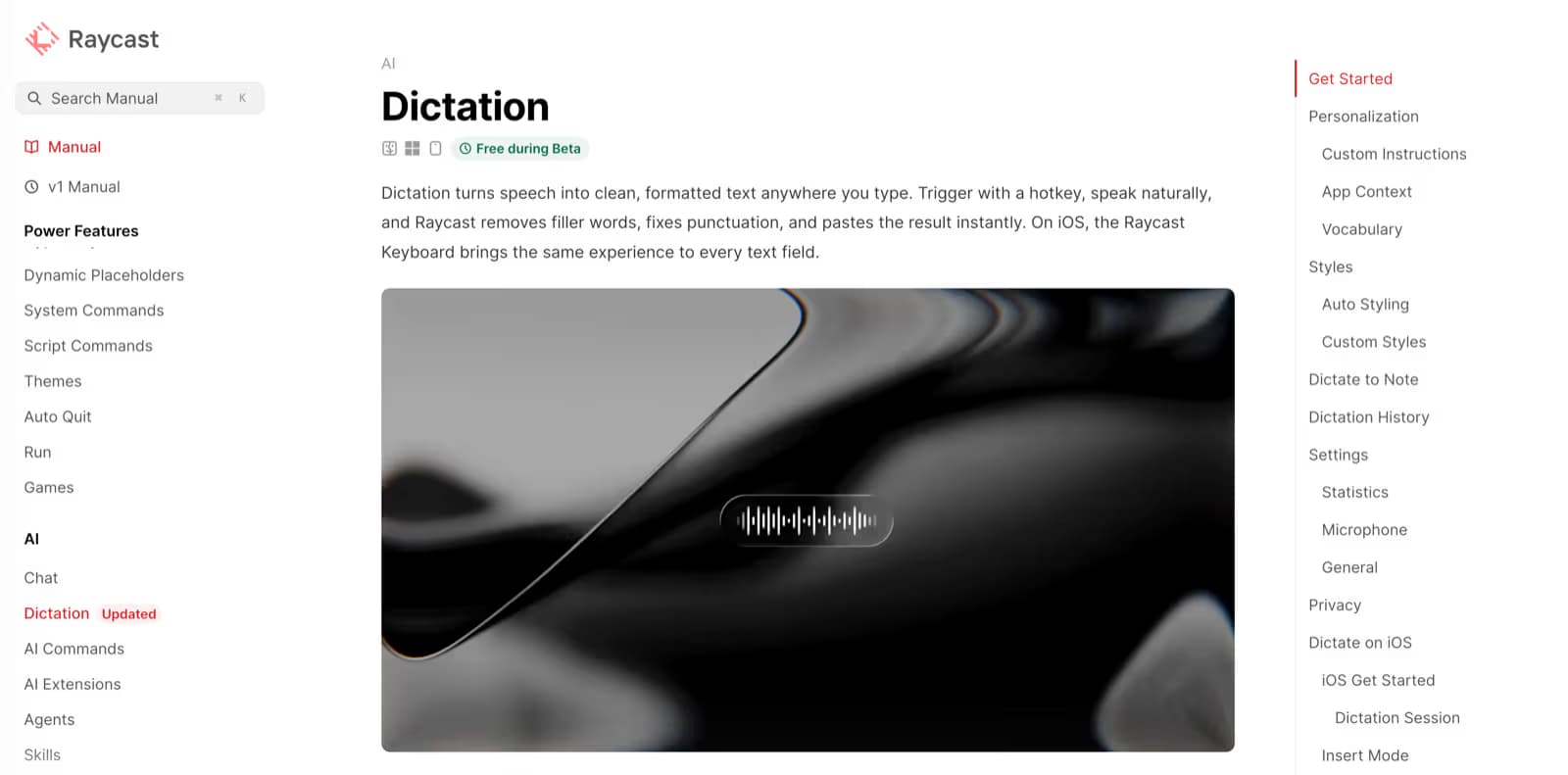
Raycast Dictation turns speech into clean, formatted text anywhere you type. You trigger it with a hotkey, speak naturally, and Raycast strips filler words, fixes punctuation, and pastes the result into the active app. On iOS, the same experience arrives through the Raycast Keyboard.
It is system-wide and free during the public beta, with custom instructions, app-aware context, and a personal vocabulary. The catch for sensitive work is that processing happens in the cloud, so your audio leaves the device even though Raycast does not retain it.
Pricing: Spokenly vs Raycast Dictation
Spokenly can be completely free. Local transcription with Whisper and Parakeet models costs nothing: no account, no time limit, no word cap. If you want cloud accuracy, bring your own API keys from OpenAI, Deepgram, or Groq at zero markup. You get premium speech-to-text without a subscription.
Raycast Dictation is free for everyone during the Raycast public beta. It comes bundled with the launcher, so there is no separate dictation purchase. Pricing after the beta has not been finalized publicly, so check Raycast directly before relying on the free tier long term.
If you prefer managed cloud models without handling API keys, Spokenly Pro is $9.99/mo and is available on Mac, Windows, Linux, and iPhone, with access varying by build and purchase source. The core advantage stays the same: Spokenly's free tier with local models and BYOK gives you cloud-quality dictation at no cost, and it keeps working with no internet at all.
The Core Difference: On-Device App vs Cloud Launcher Feature
Spokenly vs Raycast Dictation comes down to where your voice is processed and how the tool is packaged. Raycast Dictation is a cloud feature inside the Raycast launcher: every session is sent to Raycast servers, and there is no offline path. Spokenly is a dedicated dictation app that gives you both options, free local models that keep audio entirely on your device and cloud engines when you want extra accuracy.
That difference matters most for privacy. With Spokenly you can enable Local Only Mode to block all outbound network traffic, so audio and transcripts never leave your Mac. Raycast keeps things reasonable by not retaining audio on its servers, but the processing still happens in the cloud, which can be a blocker for confidential or regulated work.
Engine choice is the second split. Raycast Dictation uses its own pipeline, while Spokenly lets you switch between local Whisper and Parakeet models or cloud engines like OpenAI, Deepgram, and Groq using your own API keys. You decide per session whether you want speed, accuracy, or full offline privacy.
For developers, Spokenly adds a built-in MCP server so AI coding agents like Claude Code and Cursor can take voice input directly. Modes with AI Instructions and bash script hooks let you reshape transcribed text before it lands in your editor. Many people run both tools together: Raycast as the launcher and window manager, Spokenly as the system-wide, private dictation layer on top.
Real-World Use Cases
How Spokenly and Raycast Dictation fit into different workflows.
Privacy-conscious professionals
Lawyers, doctors, and anyone handling confidential information can use Spokenly's Local Only Mode so audio never leaves the device. All speech-to-text runs on-device with Apple Silicon. Raycast Dictation processes audio in the cloud, which may not meet compliance requirements even though it does not retain the audio.
Raycast power users
If you already live in Raycast, its built-in dictation is the path of least friction for quick notes. When you need offline use, a specific transcription engine, or 100+ languages, run Spokenly alongside it. Raycast stays your launcher while Spokenly handles the heavier, private dictation work.
Developers and technical writers
Spokenly's MCP server lets AI coding agents receive voice input directly, so you can dictate comments, commit messages, or talk to Claude Code hands-free. Raycast offers dictation through third-party extensions, but Spokenly ships the coding-agent integration as a core feature.
Strengths and Weaknesses
Where each app is strong, and where it falls short.
Spokenly
- +Both local and cloud transcription in one app
- +Free unlimited offline speech-to-text
- +True offline mode with Local Only Mode
- +Choice of engines plus bring-your-own keys
- +100+ languages
- +Built-in MCP server, modes with AI Instructions, and script hooks
- -Local models require an Apple Silicon Mac
- -No team or enterprise features
- -Not bundled with a launcher, it is a separate app
Raycast Dictation
- +Built into Raycast, nothing extra to install if you use it
- +System-wide dictation with AI cleanup and custom vocabulary
- +Free during the public beta
- +Works across macOS and Windows in one tool
- -Cloud only, no offline mode
- -Single engine, no BYOK or model choice
- -Around 20 minutes per session
- -Tied to the Raycast app and its account
Which One Is Right for You?
Choose Spokenly if you...
- Privacy matters and you want audio to stay on your device
- You want free unlimited voice typing with local models
- You want to pick your engine or use your own API keys
- You need 100+ languages or offline dictation
- You want a dictation app that integrates with coding agents
Choose Raycast Dictation if you...
- -You already use Raycast every day
- -You want dictation without installing another app
- -Cloud processing is fine for your work
- -You want one tool across Mac and Windows
Switching from Raycast Dictation
Getting started takes a few minutes.
- 1Download Spokenly from spokenly.app/download and install it on your Mac.
- 2Launch Spokenly and start dictating immediately with free local models. No account or setup needed.
- 3Optionally add your own API keys (OpenAI, Deepgram, Groq) in Settings for cloud transcription at no extra cost.
- 4Set a dictation shortcut that does not clash with your Raycast hotkey, then dictate in any app while Raycast stays your launcher.
Frequently Asked Questions
Does Raycast have dictation?
Yes. Recent versions of Raycast include built-in dictation that works system-wide across your apps, triggered by a hotkey or push-to-talk. It cleans up filler words and punctuation automatically and is free during the public beta.
Is Raycast dictation offline?
No. Raycast Dictation is cloud-processed and needs an internet connection. Audio is sent to Raycast servers and is not retained. If you need offline voice typing, Spokenly's local Whisper and Parakeet models run with no network connection.
Is Raycast dictation free?
Dictation is free for everyone during the Raycast public beta and comes bundled with the launcher. Pricing after the beta has not been confirmed publicly, so check Raycast before depending on it long term.
Raycast Dictation vs Spokenly for privacy, which is better?
Spokenly can keep everything on-device. Local Only Mode blocks all outbound network traffic, so audio and transcripts never leave your Mac. Raycast does not retain audio on its servers, but it still processes your voice in the cloud, so Spokenly is the stronger choice for confidential or regulated work.
Can I choose the transcription engine in Raycast dictation?
No. Raycast Dictation uses its own engine. Spokenly lets you switch between local models and cloud engines like OpenAI, Deepgram, and Groq with your own API keys, so you can balance speed, accuracy, and privacy per session.
Can I use Spokenly and Raycast together?
Yes, and many people do. Keep Raycast as your launcher and window manager, and use Spokenly as a system-wide, private dictation layer. Just set the two hotkeys so they do not collide.
Which is better for developers?
Spokenly. Its built-in MCP server lets AI coding agents like Claude Code and Cursor take voice input directly, and bash script hooks plus modes with AI Instructions let you reshape transcribed text. Raycast offers dictation through extensions but does not ship coding-agent integration as a core feature.
Does Raycast dictation work on iPhone?
Yes, through the Raycast Keyboard on iOS. Spokenly also has an iOS custom keyboard that works system-wide in apps. Pro is available on Mac, Windows, Linux, and iPhone, but sign-in, restore, or linking varies by build and purchase source.
Ready to try Spokenly?
Free to use with local models. No account required.
Download SpokenlyOther comparisons
This comparison is published by Spokenly. We aim for accuracy and transparency and will update this page as both products evolve. Learn more about Raycast Dictation on their official website.