
 vs
vs
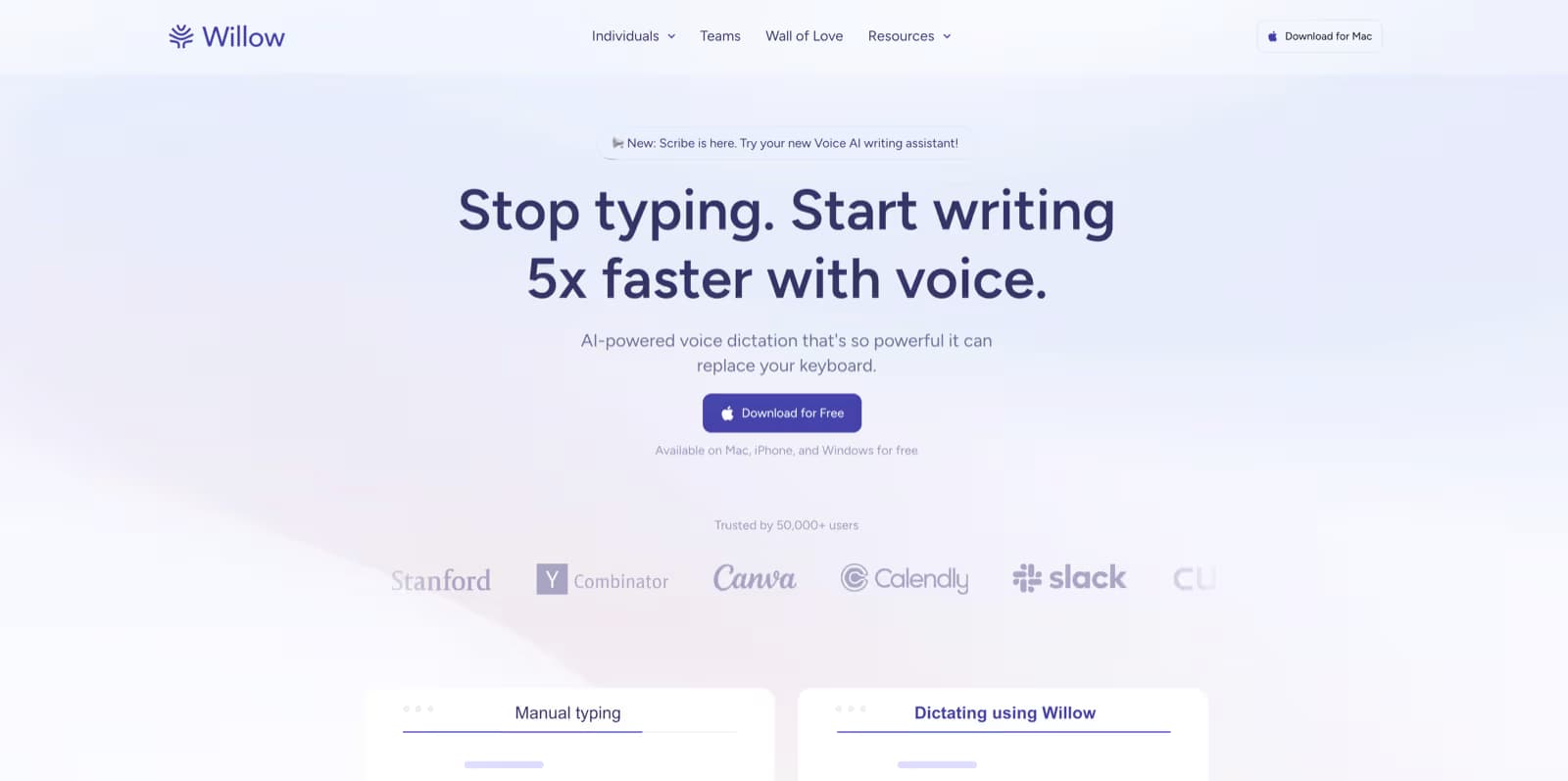
Willow Voice Alternative: Free Offline Dictation for Mac, Windows, Linux, and iPhone
Spokenly is free with local models and BYOK cloud, runs fully offline so your audio stays on device, and adds MCP for AI coding agents. Willow Voice is $15/mo and cloud-based, with a 2,000-word weekly free cap.
Updated
Cost comparison
Spokenly
Free, Pro $9.99/mo
Willow Voice
$15/mo
You save
Up to $180/year
Why switch from Willow Voice to Spokenly
Free, no $15/mo subscription
Willow Voice is $15/mo with a 2,000-word weekly free cap. Spokenly is free with local models and BYOK cloud, with no word limits.
Your voice never leaves your device
Spokenly runs on-device, so your audio and transcripts stay on your Mac, Windows or Linux PC, or iPhone. Willow Voice is cloud-based, so every word is sent to its servers.
Free bring-your-own API keys
Use your own OpenAI, Deepgram, or Groq keys for cloud accuracy at no extra cost. Willow Voice has no BYOK and locks you to its cloud.
MCP for AI coding agents
Claude Code, Codex, and Cursor can call Spokenly directly for voice input. Willow Voice has no MCP integration.
File transcription and diarization
Transcribe audio and video files with speaker labels and SRT or VTT export. Willow Voice does not transcribe files.
Agent mode and bash hooks
Turn voice into macOS automation, and run scripts before or after AI processing. Willow Voice has neither.
Side-by-side: where Spokenly differs
| Feature | Spokenly | Willow Voice |
|---|---|---|
| Price | Free, Pro $9.99/mo | $15/mo |
| Free tier | Unlimited local + BYOK | 2,000 words/week |
| Offline mode | Full, on free tier | Pro only |
| BYOK cloud | Yes, free | No |
| MCP for AI agents | Yes | No |
| File transcription | Yes | No |
| Team and compliance | No | SOC 2, HIPAA, SSO |
| Smart memory | No | Yes, Pro |
How to switch from Willow Voice in 5 minutes
- 1Download Spokenly from spokenly.app/download. It is free, with no weekly word cap.
- 2Pick a model in Settings. Cloud models give top accuracy, or choose Parakeet or Whisper for offline use.
- 3Set your dictation shortcut, then dictate system-wide in any app, just like Willow Voice.
- 4Optional: add your OpenAI, Deepgram, or Groq key in BYOK Settings for free cloud accuracy.
- 5Cancel Willow Voice once you are set up, and enable the MCP server if you use AI coding agents.
Frequently Asked Questions
Is Spokenly really free if Willow Voice is $15/mo?
Yes. Local transcription and BYOK cloud are free, with no word limits. Willow Voice gives 2,000 words a week free, then $15/mo.
Does Spokenly work offline?
Yes. Local models run entirely on Mac, Windows, Linux, and iPhone, and audio never leaves the device. Willow Voice is cloud-based, and offline mode needs its Pro plan.
Is Willow Voice still worth it?
For most individuals, no. Spokenly gives you free, offline, private dictation with no word cap, so the $15/mo is hard to justify. Willow Voice still makes sense for teams that need shared dictionaries, SSO, and SOC 2 or HIPAA compliance.
Can Spokenly replace Willow Voice on my team?
For individual workflows, yes, and each person can use Spokenly free. Spokenly has no central admin console, SSO, or shared dictionary yet, so organizations with strict provisioning or compliance needs should weigh those gaps first.
Which is better for developers?
Spokenly is better for developers. Its MCP server lets AI coding agents like Claude Code and Cursor receive voice input directly. Willow Voice has a developer initiative but no MCP integration.
Ready to try Spokenly?
Free to use with local models. No account required.
Download SpokenlyOther alternatives
This page is published by Spokenly. Pricing reflects publicly available information at the time of writing. Learn more about Willow Voice on their official site.

