
Transcribe File
Transcribe audio and video files and identify speakers.
Transcribe File turns audio and video files, such as meetings, interviews, and lectures, into text. You can transcribe several files at once, label who said what, edit the result, process it with AI, and export it as text or subtitles. On Mac, Windows and Linux, open it in the Spokenly sidebar.
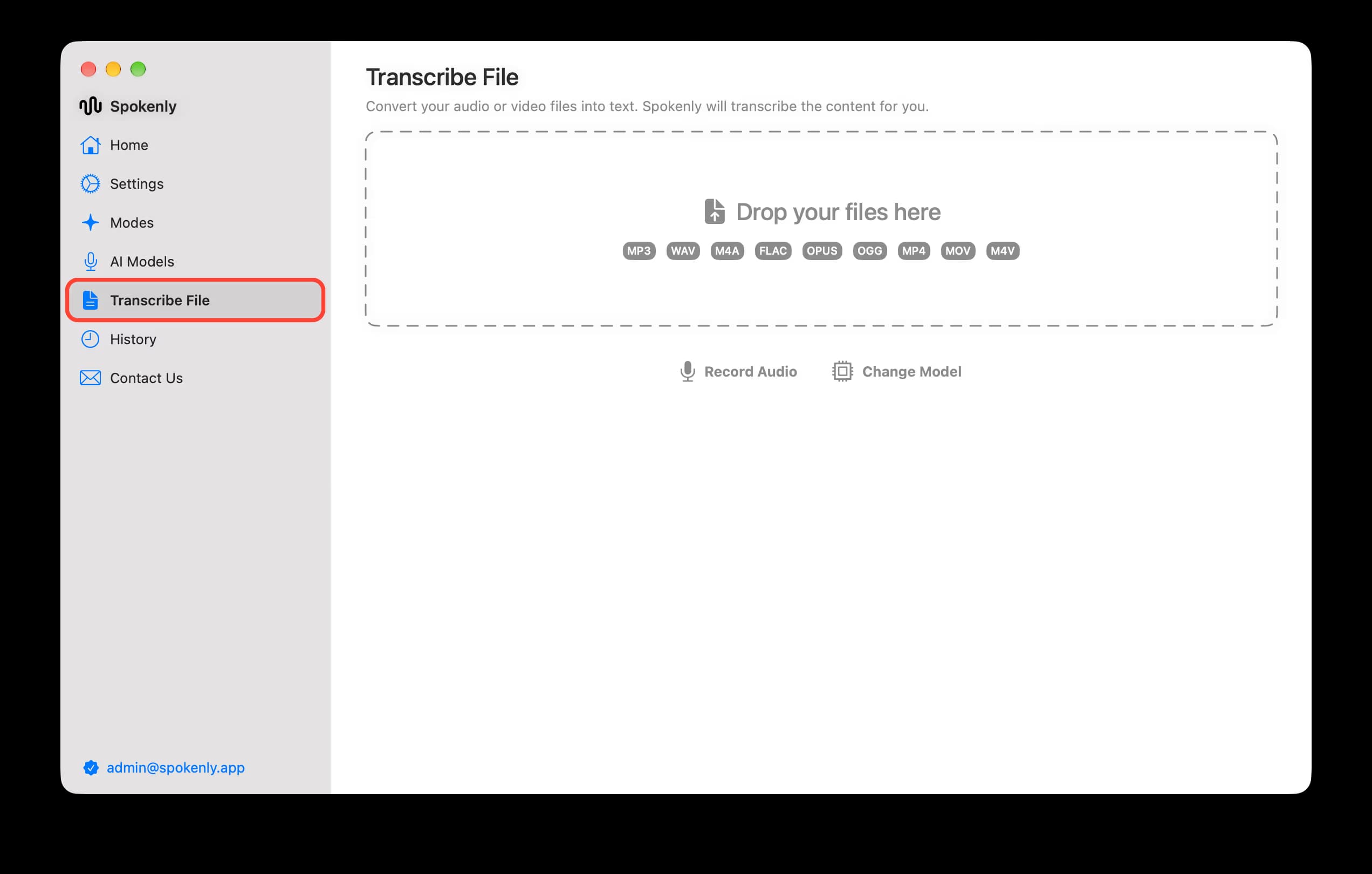
Transcribe a File
Add files
Drop audio or video files onto Transcribe File, or click the drop area to choose them.
Transcribe
Choose a model and click Transcribe.
Identify speakers
In Speaker Identification, keep Auto-detect speakers or set the speaker count. Click Identify Speakers. You can rename speakers.
Export
Open Export Options to save the transcript with speaker labels as text or subtitles.
iPhone
Share an audio or video file to Spokenly to transcribe it. iPhone has no speaker labels.

