

Verdict at a Glance
Handy does what it promises: free, open-source, fully offline dictation on Mac, Windows, and Linux with no account and no caps. The trade-offs are just as plain. There is no mobile app, no AI cleanup, a 2 to 5 second wait after you stop speaking, and the quirks that come with a young open-source project.
Closest alternative to compare: Spokenly is also free with the same local Parakeet and Whisper models, and adds cloud options, modes with AI Instructions, an iOS keyboard, file transcription, and an MCP server for AI coding agents. Handy keeps the edge on source availability.
What works
- Completely free, MIT-licensed, no account, no word caps
- Fully offline: audio never leaves the device
- Runs on macOS, Windows, and Linux (rare in this category)
- Lightweight Tauri build (the Windows installer is 12.6 MB)
What does not
- No iOS or Android app
- No AI cleanup, tone matching, or formatting: output is raw verbatim text
- No real-time streaming: text appears 2 to 5 seconds after you stop speaking
- First words of a transcription occasionally get clipped
What Is Handy
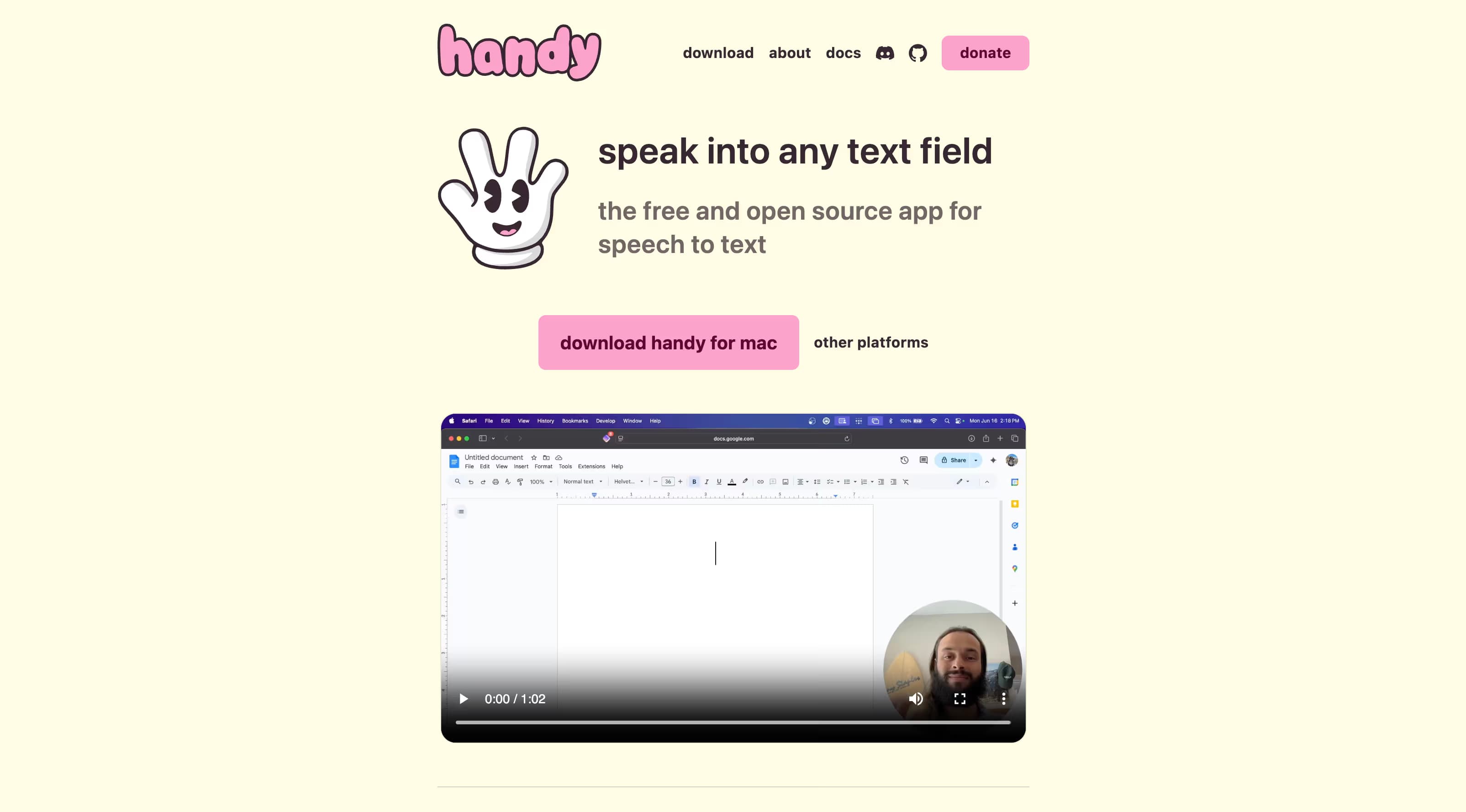
Handy is a free, open-source speech-to-text (STT) app built by developer CJ Pais, who started the project after a finger injury made typing painful. Handy dictation works the same way everywhere: you hold a hotkey, speak, release, and the transcribed text is pasted into whatever text field has focus. Everything runs locally.
The project lives at handy.computer with source on GitHub, where it has passed 23,000 stars under an MIT license. Releases ship frequently (version 0.8.3 landed in late April 2026), with multiple community contributors per release.
Technically, Handy is a Tauri app: a Rust backend with a React frontend. That keeps it far leaner than Electron-based dictation tools. The Windows installer is 12.6 MB.
Pricing: Free and Open Source
There is nothing to buy. Handy has no paid tier, no subscription, no word limits, and no account system. Development is funded through GitHub Sponsors and direct donations. The version-zero numbering is a candid admission that the app is still being built.
That puts Handy in a small club of genuinely free, open source dictation tools, alongside Spokenly's free local tier and built-in OS dictation. Every other major app in the category (Wispr Flow, Aqua Voice, Superwhisper Pro tiers) meters words or features behind a subscription.
Models and Accuracy
Handy bundles a model picker with Whisper Small, Medium, Turbo, and Large, plus NVIDIA Parakeet V2 and V3 and Moonshine. It also accepts custom GGML-format models, a tinkerer feature most commercial apps do not offer. Parakeet V3 auto-detects languages; Whisper models cover the usual multilingual set with manual selection.
Hardware requirements split by model family. Parakeet V3 runs on CPU only and needs roughly an Intel 6th-generation (Skylake) chip or newer, which makes it the safe default on modest hardware. Whisper models lean on GPU acceleration, and the project README openly notes they crash on certain Windows and Linux configurations.
Accuracy comes down to the model you pick. Parakeet and Whisper Large are strong engines, and our Parakeet vs Whisper comparison covers how they differ. Handy never touches the raw output: no punctuation polish beyond the model, no filler-word removal, no formatting.
Key Features
- Push-to-talk by default, with a toggle mode and configurable shortcuts
- Auto-paste into the active text field in any app
- Voice activity detection (Silero VAD) to trim silence
- Custom words list to bias recognition toward names and jargon
- Command-line interface with flags for scripting and automation
- Raycast extension on macOS
- Recording history and experimental LLM post-processing, both tucked into a hidden debug menu
Handy's dictation feature set is deliberately minimal. If your workflow needs AI rewriting, per-app prompts, or transcription of audio files, Handy is not built for that job.
Platforms and Requirements
- macOS: Apple Silicon and Intel
- Windows: 10 and 11, x64. Requires WebView2, which the installer fetches
- Linux: Ubuntu 22.04 and 24.04 builds. Wayland needs wtype or dotool, X11 needs xdotool
- No iOS or Android apps
- Parakeet V3: CPU-only, Intel 6th gen or equivalent AMD and newer
- Whisper models: GPU recommended on Windows and Linux
Linux support was Handy's standout for a long time — almost no polished dictation app covered it, and the Linux community adopted Handy for exactly that reason. Spokenly for Linux now covers it too.
Privacy
Privacy is where Handy is strongest. It processes all audio on-device. The only network traffic is the initial model download and optional update checks. There is no cloud mode, no account, no telemetry pipeline tied to your voice, and the code is open for anyone to verify.
Spokenly reaches a similar guarantee differently: local models plus a Local Only Mode that blocks all outbound network requests at the app level, while still letting you opt into cloud models when accuracy matters more than isolation.
Limitations
- No real-time streaming: the model processes audio after you stop, so text lands 2 to 5 seconds later
- First words of a transcription occasionally get clipped
- Auto-paste can land in the wrong app if you switch windows while it processes
- Bluetooth microphones add 1 to 2 seconds of activation delay (the Always-On Microphone setting works around it)
- Raw verbatim output only: no AI cleanup or formatting in the main UI
- Parakeet V3 does not cover Japanese
- History and LLM post-processing live behind a debug shortcut rather than in settings
None of these are dealbreakers for a free tool. Together, though, they describe software built for people who enjoy tinkering more than for people who just want dictation to work.
What Users Are Saying
Developers have taken to it. The project holds a 5.0 rating on Product Hunt, and a Hacker News thread about it collected over 200 points, with Linux users especially positive. TechCrunch's dictation roundup listed Handy as a good free option while calling the feature set basic.
Top praise points
- Free and open source with no strings
- Works on Linux where almost nothing else does
- Small, fast, native-feeling Tauri build
- Privacy story is simple to trust
Top complaint points
- Transcription delay after speaking
- Clipped first words on some recordings
- Whisper model crashes on certain configurations
- No mobile app and no AI formatting
Handy Alternatives

Closest free alternative
Spokenly
Free with the same local Parakeet V3 and Whisper models, plus everything Handy leaves out: cloud models when you want them (free BYOK or managed Pro), modes with AI Instructions for cleanup and rewriting, an iOS app with a custom keyboard, file transcription with subtitle export, and an MCP server for Claude Code and Cursor. Mac, iPhone, Windows, and Linux.
Download Spokenly freeSuperwhisper
Polished Mac-native option with local Whisper and Parakeet plus per-app modes. Free tier covers small models; Pro runs $8.49/mo or $249.99 lifetime.
Spokenly vs Superwhisper comparisonOpenWhispr
Another open-source local dictation project, smaller community than Handy. Worth a look if you want to compare codebases.
Spokenly vs OpenWhispr comparisonApple Dictation
Free and built into macOS and iOS. No setup, but weaker on jargon and accents, and Mac-plus-iPhone only.
Apple Dictation alternativeWho Should Use It
Choose Handy if
- You want open-source code you can audit or patch
- Verbatim output with zero AI processing is what you want
- You enjoy custom models and CLI automation
- Donation-funded software matters to you
Skip Handy if
- You dictate on iPhone as well as desktop
- You want AI cleanup, tone control, or AI Instructions
- Sub-second feedback at the cursor matters to you
- You need file transcription or subtitle export
- You expect commercial-grade stability on Windows
FAQ
Is Handy really free?
Yes. Handy is free and open source under the MIT license, with no paid tiers, subscriptions, or word limits. Development is funded through GitHub Sponsors and donations. You can read and build the entire source code from the GitHub repository.
Does Handy work offline?
Yes, fully. Handy runs Whisper, Parakeet, or Moonshine models locally on your machine. The only network activity is the initial model download and optional update checks. There is no cloud transcription option at all.
Which models does Handy use?
Handy ships Whisper Small, Medium, Turbo, and Large, plus Parakeet V2 and V3 and Moonshine, and accepts custom GGML-format models. Parakeet V3 runs on CPU only and needs roughly an Intel 6th-generation chip or newer. Whisper models benefit from GPU acceleration.
Does Handy work on iPhone?
No. Handy is desktop-only: macOS, Windows, and Linux. There is no iOS or Android app. If you want the same dictation workflow on both Mac and iPhone, Spokenly ships a native iOS app with a custom keyboard alongside its Mac, Windows, and Linux apps.
Does Handy clean up or format what I say?
No. Handy types what the model heard, verbatim, with minimal punctuation. There is no AI rewriting, filler-word removal, or tone adjustment in the main interface. An experimental LLM post-processing option exists in the hidden debug menu, but it is not a supported core feature.
How is Handy different from Spokenly?
Both are free for local dictation and both run Parakeet and Whisper on-device. Handy is open source. Spokenly adds cloud model options (BYOK with OpenAI, Deepgram, or Groq, plus managed Pro models), modes with AI Instructions for cleanup and rewriting, an iOS app with a custom keyboard, file transcription with subtitle export, and an MCP server for AI coding agents. The full breakdown is on the Spokenly vs Handy comparison page.
Is Handy safe to install?
The code is publicly auditable on GitHub under an MIT license, and builds are distributed from the official site and GitHub releases. As with any app that listens to your microphone and types into other apps, macOS will ask for microphone and accessibility permissions.