
TL;DR: Which One to Pick
No two dictation apps split more cleanly. Superwhisper runs Whisper and Parakeet models on your Mac and keeps working offline; it costs $8.49 a month, or $249.99 once for a lifetime license. Wispr Flow processes every word in the cloud for $15/mo, and in exchange you get built-in auto-cleanup with zero setup, Android support, and a more mature Windows app.
Pick Superwhisper
For offline use, on-device privacy, model choice, and non-subscription pricing. Strongest on the Mac, weaker on its newer Windows build.
Pick Wispr Flow
For AI cleanup with no setup, one account across Mac, Windows, iPhone, and Android, and team features with compliance paperwork. The tradeoff is cloud-only processing and a subscription.
If MacWhisper is also on your shortlist, the three-way comparison with MacWhisper adds the file-transcription angle.
Quick Comparison
Pricing
Superwhisper: $8.49/mo, $84.99/yr, or $249.99 lifetime
Wispr Flow: $15/mo or $144/yr, Teams from $12/user/mo
Free tier
Superwhisper: Small local models + one-time 15-min Pro trial
Wispr Flow: 2,000 words/week desktop; 1,000 iPhone; unlimited Android
Works offline
Superwhisper: Yes: local Whisper and Parakeet models
Wispr Flow: No, cloud-only at every tier
Platforms
Superwhisper: macOS 13.3+, Windows 10+, iOS 18+
Wispr Flow: macOS 12+, Windows 10/11, iOS 18.3+, Android 13-16
Model choice
Superwhisper: Whisper Tiny to Large V3 Turbo, Parakeet V2/V3, BYOK cloud
Wispr Flow: One managed cloud pipeline, no user-facing model picker
AI cleanup
Superwhisper: Custom modes with user-written prompts
Wispr Flow: Built-in auto-formatting, filler removal
Voice editing
Superwhisper: Prompt-based rewriting via modes
Wispr Flow: Command Mode on Pro
AI coding agents
Superwhisper: Claude Code and Open Code integration (April 2026)
Wispr Flow: Cursor file tagging by voice
Compliance
Superwhisper: SOC 2 Type II on Enterprise
Wispr Flow: HIPAA BAA on all plans, SOC 2 Type II, ISO 27001
Ratings
Superwhisper: 4.9 Product Hunt, 4.4 Mac App Store
Wispr Flow: 4.8 iOS App Store, 2.7 Trustpilot
How We Compared Them
Pricing, platform requirements, and privacy terms come from the vendors' published pages at superwhisper.com and wisprflow.ai, checked in 2026. For user sentiment we read public reviews: Product Hunt and the Mac App Store for Superwhisper, the iOS App Store and Trustpilot for Wispr Flow. Hands-on impressions of each app live in the full Superwhisper review and Wispr Flow review; the head-to-head below sticks to what those sources support.
Pricing: Subscription vs Lifetime
Superwhisper Pro costs $8.49/mo, $84.99/yr, or $249.99 once for a lifetime license. Wispr Flow Pro costs $15/mo or $144/yr, with Teams starting at $12 per user per month. The lifetime option changes the math. $249.99 equals about 17 months of Wispr Flow at the monthly rate, about 21 months against its annual plan, and just under three years against Superwhisper's own $84.99 annual plan. Past the two-year mark the app itself costs nothing more (optional BYOK cloud engines still bill separately), while Wispr Flow keeps charging either way.
The free tiers are not equivalent. Superwhisper's free plan includes small local Whisper models plus a one-time 15-minute Pro trial, enough to evaluate accuracy but limited for daily work. Wispr Flow's free plan includes 2,000 words per week on desktop, 1,000 on iPhone, and unlimited dictation on Android. Complaints on Trustpilot cluster around reliability and billing after the trial ends.
The companies behind them are built differently. Wispr Flow is venture-backed and has raised $81M, most recently a $25M round covered by TechCrunch. Superwhisper is bootstrapped from Toronto.
Offline and Privacy
Offline is where the two diverge most. Superwhisper can transcribe fully on-device: with a local Whisper or Parakeet model selected, audio never leaves the Mac, and dictation keeps working on flights, behind strict firewalls, and with confidential client material. Two caveats temper the privacy story. Superwhisper saves audio recordings to disk by default, and there is still no opt-out toggle despite a long-standing request on its feedback board. API keys for its optional cloud engines sit in plaintext JSON rather than the macOS Keychain.
Wispr Flow has no offline mode at any price. Every utterance is processed by cloud subprocessors, including OpenAI, Anthropic, Baseten, and Cerebras on AWS, and its Privacy Mode, which limits data retention, is opt-in rather than on by default. What Wispr Flow offers instead is paperwork: a signed HIPAA BAA on every plan, SOC 2 Type II, and ISO 27001 certification. Superwhisper lists SOC 2 Type II only on its Enterprise tier.
Superwhisper wins on architecture, since the audio can physically stay on the machine. Wispr Flow wins on compliance paperwork, with auditable cloud processing under signed agreements.
Accuracy and Model Choice
Superwhisper exposes the model catalog directly. Local Whisper runs from Tiny through Large V3 Turbo, Parakeet V2 and V3 handle fast on-device transcription, and bring-your-own-key slots cover Deepgram Nova 3, ElevenLabs Scribe V2, and OpenAI. Accuracy tracks whichever model you pick, so you can trade speed for precision task by task. The catch is that you have to make those choices at all; review complaints center on the setup curve.
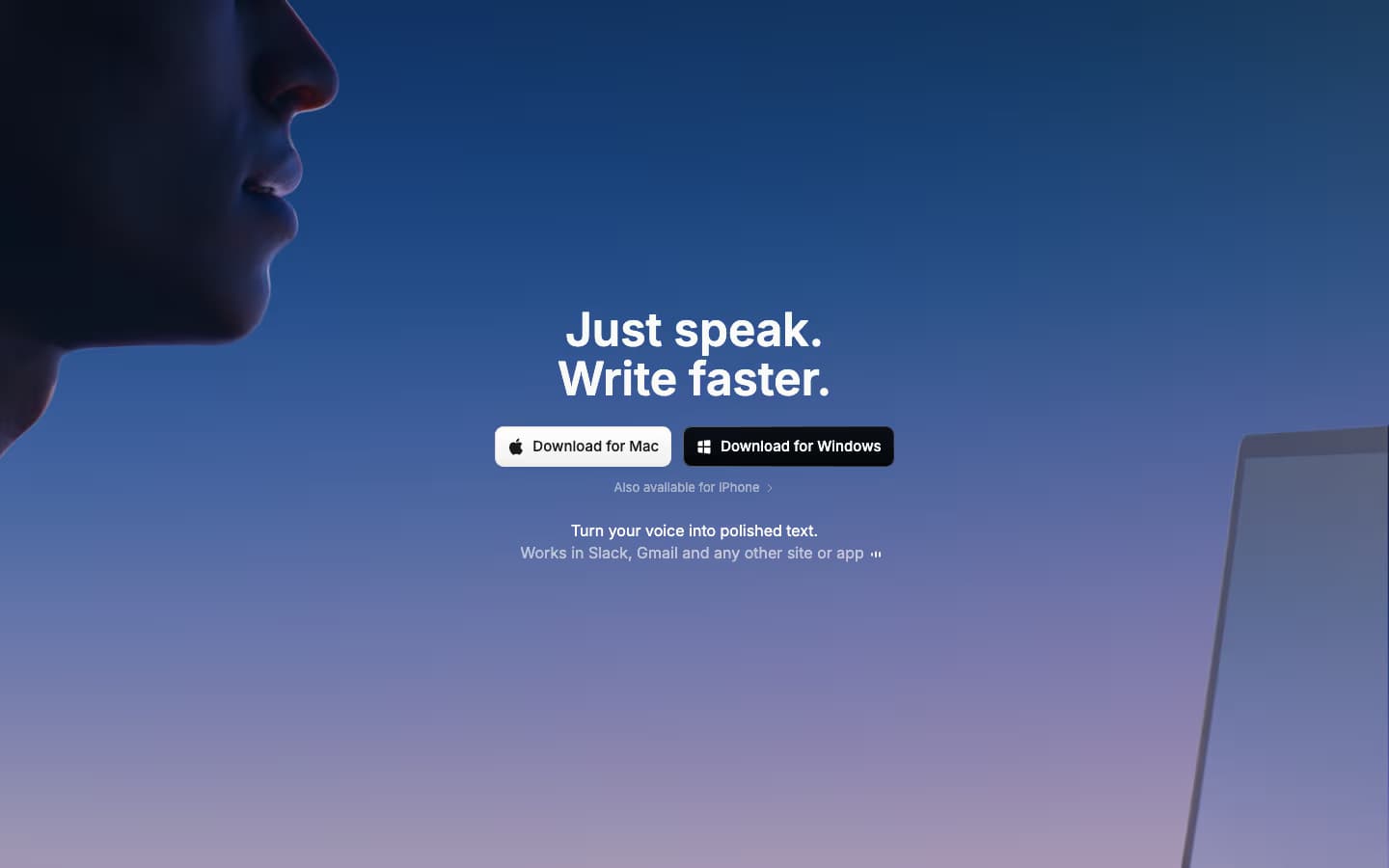
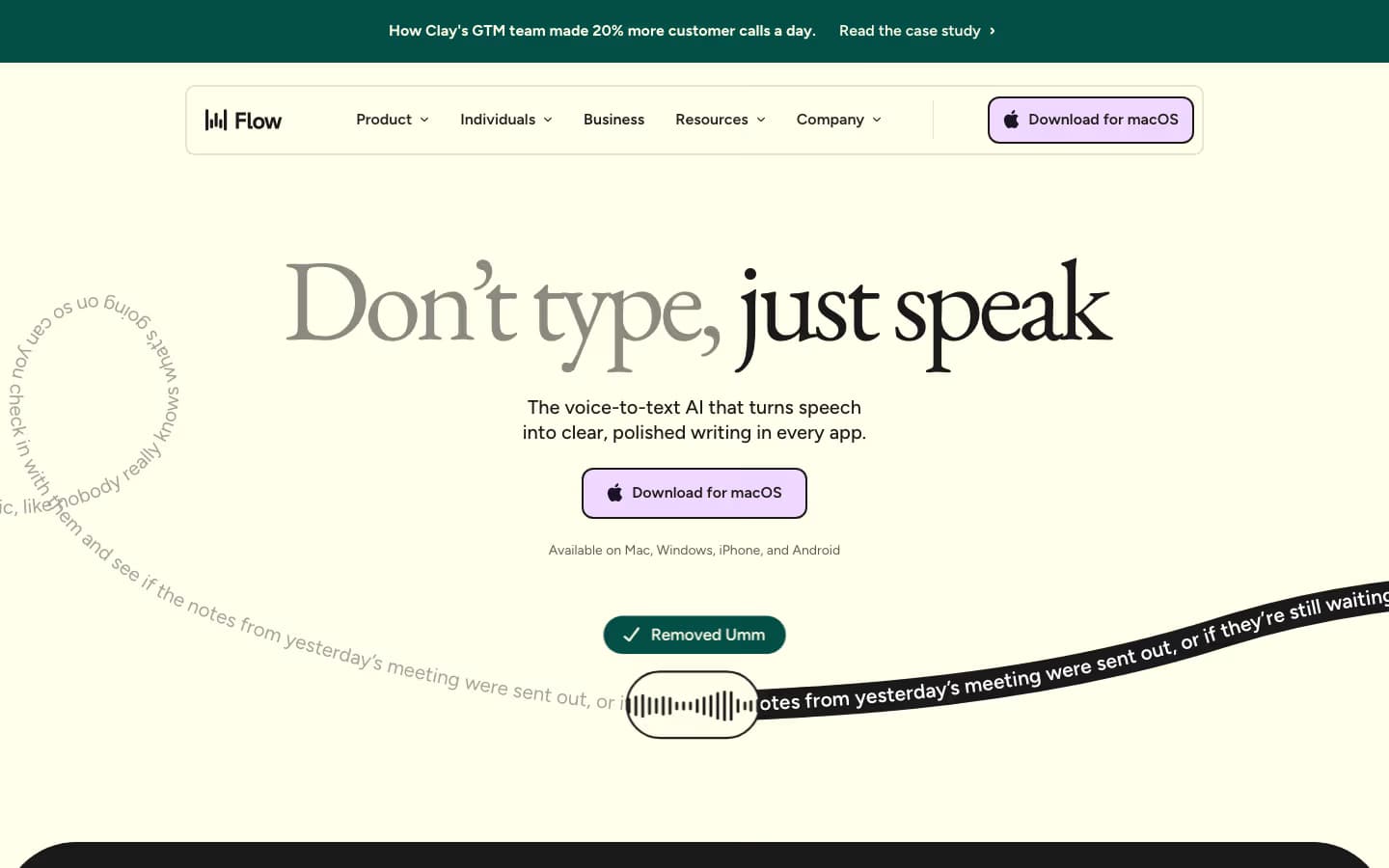
Wispr Flow hides the machinery. One managed cloud pipeline, no model picker; the company markets the result as more accurate than raw speech models. What shows up in practice is the formatting layer: filler words removed and lists structured before the text lands in your document. Superwhisper can produce similar cleanup through Modes, but you configure that behavior yourself. Wispr Flow ships it as the default.
Both handle 100+ languages. For heavy accents or specialist vocabulary, Superwhisper has more headroom because you can switch to a stronger local model or a cloud engine. For everyday prose with no tuning, Wispr Flow's defaults do more for you.
Platforms and Performance
Breadth belongs to Wispr Flow: macOS 12+, Windows 10/11, iOS 18.3+, and Android 13-16 under one subscription, and it is the only app in this matchup on Android. That breadth costs something on Windows. One independent review measured the Electron-based app idling near 800 MB of RAM, and users report it slowing whatever app they are dictating into.
Superwhisper covers macOS 13.3+, Windows 10+, and iOS 18+. The Mac app is the mature one; the Windows build is newer with reported stability gaps, and the iOS app is rated less reliable than the desktop app. Superwhisper is a Mac product with satellites; Wispr Flow is a true multi-platform product.
On the Mac itself the positions reverse. Superwhisper runs natively with local models on Apple Silicon, while Wispr Flow needs a network round-trip for every phrase.
Modes, Commands, and AI Cleanup
Superwhisper's signature feature is Modes, per-app configurations with user-written prompts that reshape output automatically. It detects context (the active app, selected text, clipboard) and adapts, so a Slack mode can stay casual while an email mode writes full sentences. In April 2026 it added Claude Code and Open Code integration that pipes dictation into terminal agent sessions.
Wispr Flow takes the opposite approach: strong defaults, minimal configuration. Auto-formatting strips fillers and structures lists with no setup. Command Mode, on Pro, edits text by voice. A personal dictionary and snippets round it out, with team sharing on Business.
The review record cuts both ways, with one caveat: the venues are different and the numbers are not directly comparable. Wispr Flow scores 4.8 on the iOS App Store against 2.7 on Trustpilot, where reviews focus on reliability and post-trial billing. Superwhisper scores 4.9 on Product Hunt and 4.4 on the Mac App Store, with criticism centering on setup complexity and the recording overlay.
Which Should You Choose?
Choose Superwhisper if
- You need dictation that works with no internet connection
- You need audio to stay on your Mac for privacy or client confidentiality
- You want to pick the transcription model yourself, local or cloud, per task
- You prefer a $249.99 lifetime license over a subscription
- You want per-app Modes with your own prompts, or dictation piped into Claude Code sessions
Choose Wispr Flow if
- You need one dictation account across Mac, Windows, iPhone, and Android
- You want speech to come out as polished prose with no setup
- Your team needs shared snippets and a shared dictionary
- You need compliance paperwork: a signed HIPAA BAA on every plan, SOC 2, ISO 27001
- You want strong defaults instead of models, modes, and prompts to configure
If none of those bullets decides it, the default split is simple: a solo Mac user gets more per dollar from Superwhisper, while a cross-platform or team deployment points to Wispr Flow.
Deeper dives on each: the Superwhisper review and Wispr Flow review, plus the Wispr Flow pricing breakdown and Superwhisper pricing breakdown.
The Free Alternative: Spokenly

Free with local models and BYOK
Spokenly
Spokenly is completely free with local models and BYOK, and it covers both sides of this matchup. Local Parakeet and Whisper give you Superwhisper's offline privacy, with Local Only Mode blocking all network requests. Modern cloud engines (GPT-4o Transcribe, Deepgram Nova) give you Wispr Flow's cloud accuracy, billed through your own API keys at zero markup. A built-in MCP server connects voice to Claude Code, Cursor, and Codex. It runs on macOS 13.3+, Windows, Linux, and iPhone; Pro adds hosted cloud engines with no API keys to set up ($12/month billed yearly on the website).
FAQ
Is Superwhisper better than Wispr Flow?
Superwhisper is better when offline use, privacy, model choice, or one-time pricing matter: it runs local Whisper and Parakeet models on-device and offers a $249.99 lifetime license. Wispr Flow is better when you want Android support, a more mature Windows app, team features, and automatic AI cleanup with zero setup, and you accept that every word is processed in the cloud for $15/mo.
Can Wispr Flow work offline?
No. Wispr Flow is cloud-only at every tier and stops transcribing without internet. Superwhisper, MacWhisper, and Spokenly all run local models that keep dictation working with no connection.
Is Superwhisper worth $249.99 lifetime?
The lifetime license costs the same as about 17 months of Wispr Flow at $15/mo, about 21 months of its $144 annual plan, and just under three years of Superwhisper's own $84.99 annual plan. If you dictate daily on a Mac and plan to keep doing so, it pays for itself within two to three years. If you are not sure yet, the $8.49 monthly plan is the low-commitment way to test it.
Which is better on Windows?
Wispr Flow, for now. Its Windows app is more mature, though one independent review measured around 800 MB of RAM at idle and users report it slowing target apps. Superwhisper's Windows build is newer and has reported stability gaps. Spokenly for Windows is a free alternative that runs cloud engines through your own API keys at zero markup.
Which is more private, Superwhisper or Wispr Flow?
Superwhisper can transcribe fully on-device, so audio never has to leave the Mac, though it saves recordings to disk by default and stores API keys in plaintext JSON. Wispr Flow routes all audio through cloud subprocessors including OpenAI and Anthropic on AWS, and its Privacy Mode is opt-in rather than default. For a regulated team that needs paperwork over architecture, Wispr Flow's signed HIPAA BAA is the stronger offer.
Is there a free alternative to Superwhisper and Wispr Flow?
Spokenly is completely free with local models and BYOK: unlimited on-device dictation with Parakeet and Whisper on the Mac, or bring your own OpenAI, Deepgram, or Groq API key for cloud transcription at zero markup. It covers Mac, Windows, Linux, and iPhone, and adds an MCP server for AI coding agents.

