

Verdict at a Glance
Wispr Flow combines cloud dictation and AI text cleanup across Mac, Windows, iPhone, and Android. It has a free plan and Pro at $15/month or $144/year. Notetaker shares meeting notes through MCP. Dictation requires an internet connection, so offline use remains a reason to choose a different app.
Free alternative for offline dictation: Spokenly runs local Parakeet and Whisper models without word caps. Cloud transcription with your own keys has separate provider charges. Its macOS sideload app lets coding agents request spoken answers through MCP; Wispr's MCP integration provides meeting notes.
What works
- Cross-platform: same account on Mac, Windows, iPhone, Android
- Built-in AI cleanup removes filler words and structures lists, emails, paragraphs
- 100+ languages with code-switching support
- Command Mode lets you voice-edit text across the document (Pro)
What does not
- Cloud-only, no offline mode at any price tier
- Trustpilot rating 2.7/5 (reliability degrading after the trial is a recurring complaint)
- Heavy on Windows (~800 MB RAM idle, freezes target apps)
- No bring-your-own-key option for transcription
What Is Wispr Flow
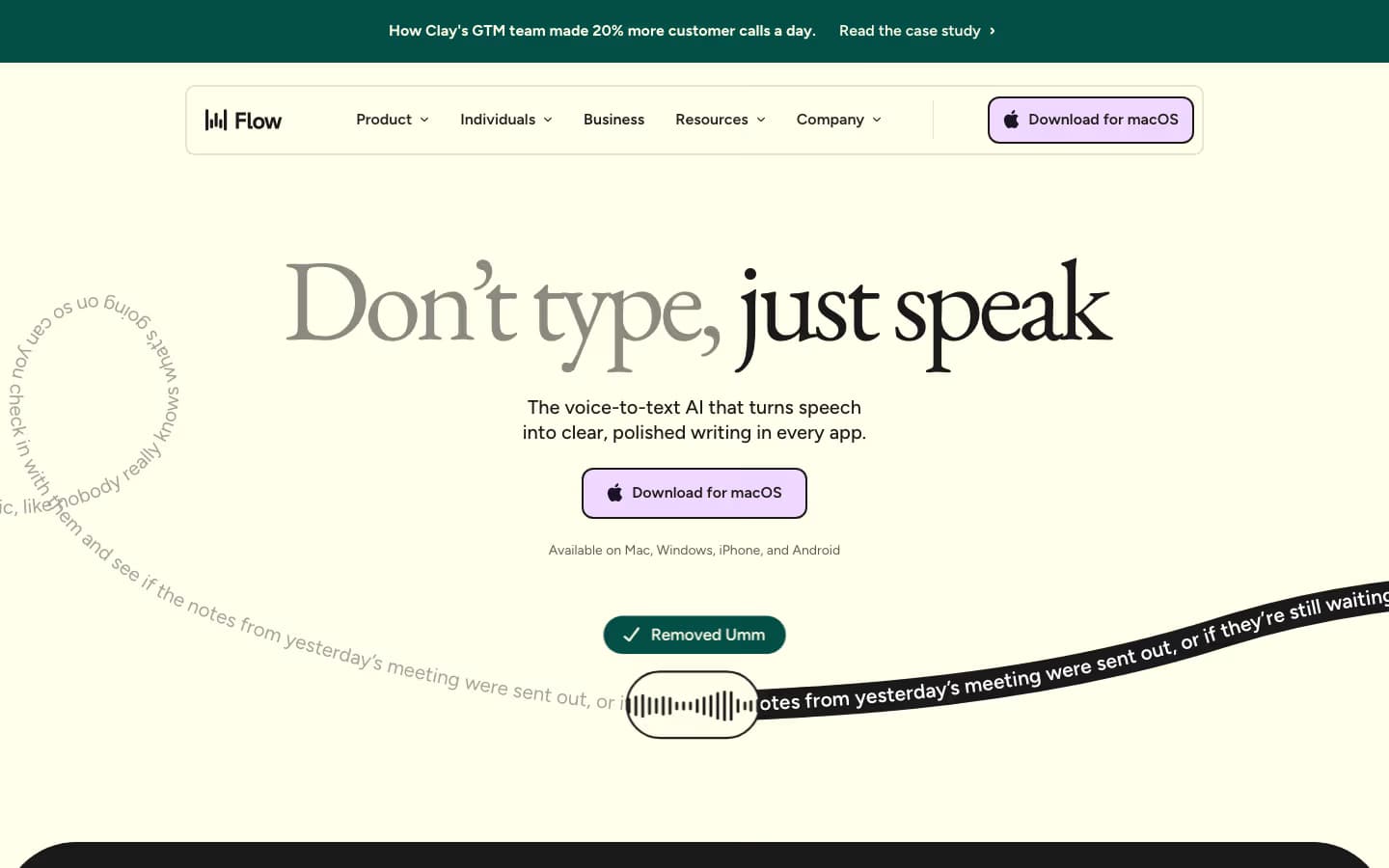
Wispr Flow is a system-wide AI dictation app from Wispr AI, a San Francisco startup founded in 2021 by Tanay Kothari and Sahaj Garg. The company originally built a non-invasive wearable for phone control before pivoting to Flow, a software-only dictation product that launched on macOS in October 2024.
The product hold-to-talk shortcut works in any text field across Mac, Windows, iOS, and Android. Audio uploads to the cloud, gets transcribed by Wispr's pipeline (OpenAI subprocessor plus fine-tuned Llama for cleanup), and types into the active app. The pitch is 4x faster than typing (220 wpm vs 45 wpm) with AI auto-formatting that turns raw speech into polished prose.
Funding stands at $81M total, including a $30M Series A from Menlo Ventures in June 2025 and a $25M extension from Notable Capital in November 2025, at a $700M post-money valuation. The team grew from 18 to roughly 50 people.
Pricing in 2026
Wispr Flow offers Free, Pro, and Growth/Enterprise. Pro removes desktop and iPhone dictation caps; the free plan already includes unlimited Android dictation and limited Notetaker use.
| Tier | Price | Included |
|---|---|---|
| Free | $0 | 2,000 words/week desktop, 1,000 iPhone, unlimited Android; Notetaker with weekly meeting limits and MCP access |
| Pro Monthly | $15/user/mo | Unlimited dictation, more meetings kept longer, advanced models, team billing |
| Flow Pro Annual | $144/year (~$12/mo) | Same as Pro Monthly, 20% off |
| Growth/Enterprise | From $23/user/mo, or $18/mo annually | SSO/SAML, directory provisioning, organization-wide controls, dedicated support |
Students and educators with an education email get 50% off Pro. The free plan does not require a credit card. Current features and billing terms are listed on the Wispr Flow pricing page.
Spokenly is free with local models and your own API keys; cloud providers charge separately for usage. Spokenly Pro is $9.99/month or $99.99/year on the website. The full Wispr Flow pricing breakdown covers every plan, the free-tier caps, and the 3-year cost math.
Accuracy and Speed
Wispr markets Flow as more accurate than OpenAI Whisper and Apple Dictation in their own internal benchmarks. Independent testing puts real-world accuracy around 97.2% on standard English audio, comparable to other cloud STT providers.
End-to-end latency is reported at under 700 ms at p99 by Baseten, the model-hosting infrastructure Wispr uses on AWS us-east-1. In practice, the cloud round-trip feels closer to 1 to 2 seconds for most users, which is fine for paragraph-by-paragraph dictation but noticeable when you want word-by-word feedback.
Languages: 100+ with code-switching support and automatic detection. The user base splits 40% English, 60% other languages (Spanish, French, German, Dutch, Hindi, Mandarin are the largest non-English segments).
AI Cleanup and Command Mode
AI cleanup is Wispr Flow's main selling point. The cleanup layer (a fine-tuned Llama model per Baseten's case study) removes filler words like "um" and "uh", auto-capitalizes, adds punctuation, structures lists when you say "first, second, third", and adjusts tone per app (casual Slack vs formal email). Spokenly offers similar AI post-processing with user-controlled prompts (GPT-4, Claude, local Ollama) and no $15/mo lock-in.
Auto Cleanup ships at four levels (None, Light, Medium, High) with an Undo AI Edit button that reveals the raw transcript. A Personalized Style setting (added in 2026) lets you set tone per app category from Very Casual to Formal.
Command Mode (Pro only, Mac and Windows) lets you voice-edit highlighted text. Say "make this more concise", "translate to Polish", "turn this outline into a paragraph", and the AI rewrites in place. Useful for email drafting and meeting notes, though the same outcome is reachable through any system-wide dictation app paired with an AI text-processing step.
The caveat: AI cleanup occasionally over-edits. Multiple reviewers report it "improving" what they actually said instead of transcribing it accurately, especially on first-person voice or unconventional phrasing. If you need verbatim transcripts, dial cleanup down or off.
Platforms and System Requirements
Cross-platform support, including Android, is one area where Wispr Flow goes broader than Superwhisper, MacWhisper, and Aqua Voice.
- macOS 12 (Monterey) or later, including macOS 26 Tahoe. Apple Silicon or Intel.
- Windows 10 or 11, x64 only. No ARM or Snapdragon support.
- iOS 18.3 or later. iPhone, iPad in compatibility mode.
- Android dictation is unlimited on Wispr Flow Free.
- RAM: 8 GB+ on Mac and Windows, 4 GB+ on iOS, 6 GB+ on Android.
- Storage: ~500 MB on Mac, iOS, and Android. ~200 MB on Windows.
- No browser extension. There is a web demo only.
One subscription covers every device. Settings, dictionary, and snippets sync across devices, which is rare in this category.
Is Wispr Flow Safe?
Wispr Flow is safe for everyday dictation if cloud processing is acceptable. Data is encrypted in transit and at rest, a HIPAA Business Associate Agreement is available on every plan, and the Wispr trust center lists SOC 2 and ISO 27001, with the reports shared under NDA. The trade-offs sit in the defaults: transcription always happens in the cloud, Free and Pro dictations can be used to train Wispr's models until you opt out, and Context Awareness sends on-screen context along with your voice.
What leaves your device
Every dictation uploads audio to Wispr's cloud in the United States, and there is no EU region or on-device mode at any tier. The trust center names AWS, Baseten, Vercel, OpenAI, and Supabase among its providers. With Context Awareness on, which is the default, Flow can also send the text around your cursor, the apps in your session, and screen content to tailor formatting; on iPhone it reads only the focused text field. Dictation Cloud Storage keeps audio, transcripts, and history on Wispr's servers while it is enabled, and signing out turns it back on.
How to make Wispr Flow more private
Turn off "Improve the model for everyone"
This setting replaced Privacy Mode with the opposite on/off wording. It is on by default for Free and Pro and lets Wispr train on your dictations. Enterprise locks it off.
Turn off Dictation Cloud Storage
With both this and model improvement off, Wispr says dictation data gets zero data retention.
Turn off Context Awareness
Settings, Data and Privacy. Do this if on-screen text in your apps should not travel with your audio.
Sign the BAA for healthcare work
Available in the Mac, Windows, and iPhone apps. It covers dictation only, locks training and cloud storage off, and disables Notetaker and Scratchpad.
Permissions differ by platform. On Mac, Flow needs Microphone and Accessibility, and asks for Screen Recording only for features that read the screen. Windows needs only the microphone, iPhone needs the microphone and keyboard Full Access, and Android needs the microphone, an Accessibility service, and Display over other apps. The full list of controls is on Wispr's data controls page.
Wispr ran new security audits in 2026, and its own FAQ listed the SOC 2 Type II report as still in progress in August. If procurement depends on a specific report, request the current SOC 2 Type II report and ISO certificate through the trust center before rollout.
Spokenly's local models keep transcription on your device. Choose and download an on-device model for offline use; selecting a cloud model sends audio for processing. Local Only Mode blocks outbound network traffic while you dictate.
Windows Performance Concerns
Independent reviews and Reddit threads consistently report that the Wispr Flow Windows app, built on Electron, uses around 800 MB of RAM and 8% CPU even when idle. Several users describe it freezing target applications like VS Code and Notepad++ during dictation.
The app also auto-adds itself to system startup on every launch, which has annoyed users who explicitly disabled it. Wispr has been shipping performance fixes in 2026, but the gap to native Mac builds remains noticeable.
If you are on Windows and dictation responsiveness matters, test Wispr Flow on the 14-day trial before committing. Spokenly for Windows is GA and uses substantially less RAM. Superwhisper for Windows is also worth comparing, though it is newer and less polished than its Mac build.
What Users Are Saying
The user-feedback picture is mixed. iOS App Store rates Wispr Flow 4.8/5 across 8,500+ ratings. Trustpilot sits at 2.7/5, which is unusually low for a category leader.
Top praise points
- Accuracy and auto-formatting in everyday writing apps (Gmail, Slack, Notion)
- Accessibility win for users with Parkinson's, tremors, dyslexia (multiple App Store reviews)
- Cross-device sync of dictionary, snippets, and account
- Onboarding feels polished compared to indie competitors
Top complaint points
- Reliability drops after the 14-day trial (recurring Reddit and Trustpilot pattern)
- Windows performance: high RAM, freezing target apps
- iPhone keyboard UX requires switching apps for each session
- AI cleanup sometimes rewrites what you said instead of transcribing it
- Cloud-only is a hard stop for offline use cases and confidential work
Reddit r/macapps consensus puts Wispr Flow as the best beginner-friendly option but recommends Superwhisper for privacy and power users, Spokenly for free or developer workflows, and MacWhisper for file transcription.
Wispr Flow Alternatives

Best alternative
Spokenly
Spokenly offers free local dictation on Mac, Windows, Linux, and iPhone. Cloud transcription with your own keys is billed by the provider. The macOS sideload app includes MCP voice input for Claude Code, Codex, and Cursor, plus Agent Mode for macOS automation. Wispr Flow's MCP integration gives agents access to Notetaker meeting notes. On Mac, Spokenly also records system audio and your microphone without a bot, saves the meeting in History, and transcribes it afterward with local or cloud models.
Download Spokenly freeSuperwhisper
Mac power user favorite. Whisper Tiny through Large V3 Turbo, Parakeet V2/V3, Deepgram, ElevenLabs. $249.99 lifetime breaks even after 17 months vs Wispr Flow annual.
See the comparisonMacWhisper
Best for file transcription (podcasts, meetings). €59 lifetime, Mac only, drag-and-drop with speaker diarization.
See the comparisonApple Dictation
Free and built into macOS/iOS. Limited on accents and jargon, but on-device and zero setup.
See the comparisonWho Should Use It
Choose Wispr Flow if
- You need it on Windows or Android
- Cloud-only processing is acceptable
- You want plug-and-play AI cleanup without configuration
- Your team needs SSO, HIPAA BAA, or admin dashboards
- Accessibility is the primary use case (tremor, dyslexia, etc.)
Skip Wispr Flow if
- You need offline dictation
- You handle confidential or regulated audio that cannot leave the device
- You want to bring your own API keys
- You work with AI coding agents (Claude Code, Cursor) and want voice input
- $15/mo is more than your dictation budget
FAQ
Is Wispr Flow worth $15 per month?
It is worth it if you need cross-platform dictation on Mac, Windows, iPhone, and Android with built-in AI cleanup, and cloud-only processing is acceptable. If you need offline mode, want to bring your own API keys, or care about privacy beyond an opt-in toggle, Spokenly is free and Superwhisper offers a $249.99 lifetime license that breaks even after 17 months.
Does Wispr Flow work offline?
No. Wispr Flow is cloud-only. Every dictation uploads audio to Wispr's cloud in the US for transcription. There is no on-device mode at any price. If you fly, work in cafes with bad Wi-Fi, or handle confidential audio that cannot leave the device, Wispr Flow is not the right tool.
Is Wispr Flow safe and private?
Wispr Flow is safe for everyday dictation if cloud processing is acceptable: data is encrypted in transit and at rest, a HIPAA BAA is available on every plan, and its trust center lists SOC 2 and ISO 27001. For privacy, turn off "Improve the model for everyone" (formerly Privacy Mode, with the opposite on/off wording), which lets Wispr train on Free and Pro dictations by default, and turn off Dictation Cloud Storage. Context Awareness, on by default, also sends on-screen text with your audio.
Why is Wispr Flow so slow on Windows?
The Wispr Flow Windows app is built on Electron and consistently uses around 800 MB of RAM and 8% CPU even at idle. Multiple user reports describe it freezing target applications like VS Code and Notepad++ during dictation. Wispr has been working on performance improvements; check the latest changelog if you are sensitive to this.
What is the free tier of Wispr Flow?
Wispr Flow Free includes 2,000 words per week on Mac and Windows, 1,000 on iPhone, and unlimited dictation on Android. It also includes Notetaker on Mac, with weekly meeting limits and MCP access to notes. Pro removes desktop and iPhone word caps and adds higher meeting limits and advanced models.
How does Wispr Flow compare to Apple Dictation?
Apple Dictation is free, on-device, and integrated into macOS and iOS. It is fine for casual short-form dictation but lags on accents, jargon, proper nouns, and long sessions. Wispr Flow's cloud pipeline plus AI cleanup produces measurably more polished output, especially for emails and longer-form writing. For accuracy plus offline plus free, Spokenly with local Parakeet or Whisper beats both.
Can I cancel Wispr Flow anytime?
Yes, you can cancel from your account dashboard. Refunds after the 14-day trial are only issued where required by law. There is no lifetime option, so cancellation simply ends the next billing cycle. If you bought through the App Store, cancel through Apple's subscription settings.
Is there a better Wispr Flow alternative?
Depends on what you value. For free offline plus BYOK, Spokenly is the best alternative. For Mac power users wanting every model with a lifetime license, Superwhisper. For file transcription, MacWhisper at €59 lifetime. See our detailed Spokenly vs Wispr Flow comparison for the full breakdown.