

Verdict at a Glance
Glaido is a cloud dictation app for Mac and Windows 11 that turns speech into formatted text after you stop talking, answers spoken commands, and gives away 2,000 words a week. Pro costs $20 per month or $200 per year, more than Wispr Flow's $15 or $144. Glaido also has no phone app, no offline mode, and no SOC 2 or HIPAA certification yet.
Is it worth it? Only if the extras matter to you. Speech recognition is Whisper in the cloud, so the $20 buys formatting rules, command mode, and the app experience rather than more accurate transcription. On a Mac or a Windows 11 PC with a steady connection, the free plan is enough to find out.
Free alternative for offline dictation: Spokenly runs local Parakeet and Whisper models on Mac, Windows, and Linux with no weekly word cap, and works on iPhone through a custom keyboard.
Sources: Glaido's pricing page, documentation, privacy policy, and public user feedback, checked September 2026. Spokenly makes a competing dictation app.
What works
- Free plan with 2,000 words every week, no credit card
- Native Mac app plus a Windows 11 app
- Command mode included on the free plan
- Formatting styles, per-app rules, and a custom prompt
- Web search, page reading, and deep research commands (beta)
- Imports your Wispr Flow dictionary during onboarding
What does not
- Cloud-only: every dictation needs an internet connection
- Pro costs $20/month or $200/year, above Wispr Flow's $15 or $144
- No iPhone, Android, Linux, or Windows 10 version
- No SOC 2, HIPAA, or ISO certification claimed
- Recordings stop at 10 minutes
- History keeps the last 100 recordings, with no per-item delete
What Is Glaido
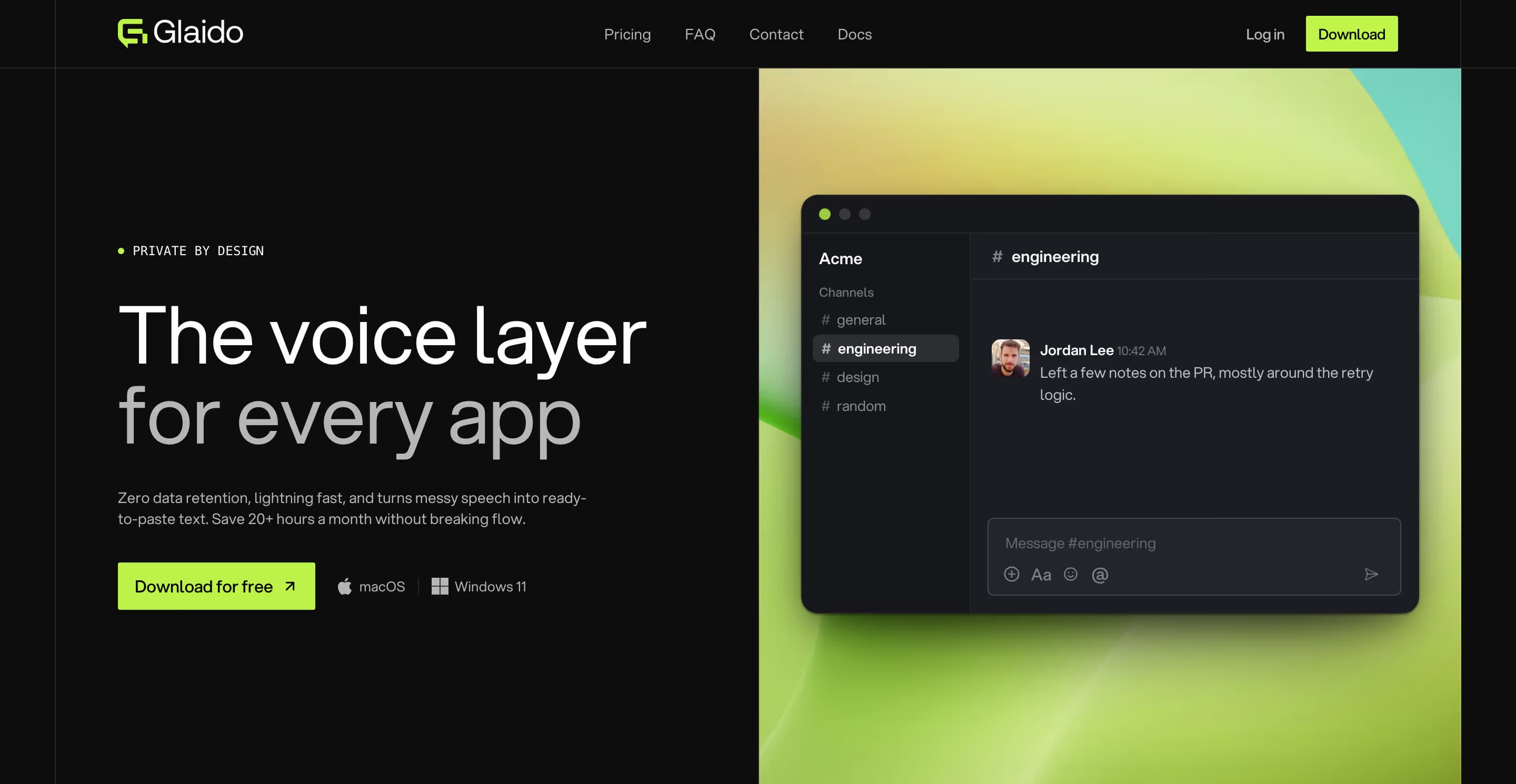
Glaido is a system-wide dictation app that calls itself "the voice layer for every app". Hold a hotkey, speak, and it pastes cleaned-up text into whatever field has focus: Slack, Gmail, Notion, Cursor, or a browser tab. A separate command hotkey sends spoken requests to an AI model instead, so you can rewrite selected text or ask for a web search without leaving the app you are in.
The product launched publicly in spring 2026 on macOS and added Windows 11 at the end of June. Its co-founders include AI automation creators Jack Roberts and Nate Herk, so much of the early feedback comes from their audiences.
Glaido Pricing in 2026
The Glaido pricing page shows Pro as $17 per month billed annually. That figure is the $200 annual price divided by twelve; paying month to month costs $20. The free 2,000 words a week come to about 13 minutes of speech at the 150 words per minute Glaido advertises.
Free · $0
2,000 words per week, AI formatting, command mode, local history. No credit card.
Pro monthly · $20 per month
Unlimited words, prioritized processing, early access to new features, and priority support.
Pro annual · $200 per year (about $17 per month)
Everything in Pro monthly for 17% less.
Enterprise · Custom
Unlimited team members, SSO and SAML, dedicated data processing, API access.
There is no published trial length, but anyone who signs up through a referral link gets one free month of Pro, and creator promo codes have offered 40% off the first three months ($12 per month) before Pro returns to $20. Glaido does not give refunds unless the law requires one, though its terms allow case-by-case exceptions, so try the free plan before you pay for a year.
Wispr Flow has the same 2,000-word weekly free allowance on desktop, and its Pro plan costs $15 per month or $144 per year. Spokenly is free with local models and your own API keys, and Pro costs $9.99 per month or $99.99 per year for managed cloud transcription; see Spokenly pricing.
How Glaido Transcribes
Glaido transcribes in the cloud. Audio streams to Glaido's servers, where Whisper converts it to text. A second AI model then adds punctuation and capitalization and applies your formatting rules before Glaido pastes the result. Glaido runs on Amazon Web Services, Baseten, Groq, and Hetzner for infrastructure and AI processing, and it does not say which Whisper version or which formatting model it uses.
Published speed figures disagree. The docs put the delay from hotkey release to paste at about one to three seconds. A May 2026 blog post claims 458 milliseconds and a 0.3% word error rate, with no test method published for either number.
Glaido transcribes 100 languages. Select several and it detects which one you are speaking, though switching languages inside one sentence is not documented. Single recordings stop at 10 minutes, and if the connection drops, the audio is saved locally so you can retry once you are back online.
Glaido Features
Hotkeys
Hold Fn to dictate on Mac, or press Fn+Space for hands-free mode. On Windows the defaults are Ctrl+Win and Ctrl+Win+Shift. Separate hotkeys start commands, and double-tap activation is available.
Formatting styles and rules
Choose Standard, Casual, Lowercase, or Raw text, write a custom prompt of up to 500 characters, and set rules per app or website. A built-in Email rule applies in Gmail and Outlook on the web.
Dictionary and snippets
Add custom words and spelling fixes, plus tags that insert the clipboard or the date. On Mac, Glaido suggests words you keep correcting, and onboarding can import your Wispr Flow dictionary. Snippets fire only when the whole dictation is the trigger phrase.
Command mode
Select text, hold the command hotkey, and speak an instruction; the answer appears in a window and pastes when you press Enter. Starting a dictation with the word "Glaido" also turns it into a command.
Built-in commands and custom tools (beta)
Eight built-in commands cover web search, reading a page, YouTube summaries, deep research, math and dates, files and apps, history search, and documentation search. Custom tools are local MCP servers you build with your own coding agent, such as Claude Code, Cursor, or Codex, and then import.
History
The last 100 recordings stay on the device, encrypted, with playback and retry. Single records cannot be deleted; only the whole history can be cleared.
Glaido has no file transcription, meeting recording, or whisper mode. Spokenly covers file transcription with subtitle export, records meetings on Mac, and connects dictation to Claude Code, Cursor, and Codex through its MCP server.
Platforms and System Requirements
Glaido requires macOS 13 Ventura or later (Apple Silicon or Intel) or Windows 11 with the WebView2 runtime. Both versions need an internet connection for transcription, you must create an account before the download starts, and on Mac the app asks for Microphone and Accessibility permissions.
Windows 10 is not supported, and there is no iPhone, Android, Linux, web, or browser extension version. Co-founder Nate Herk wrote in June 2026 that Glaido is not optimizing for mobile and pointed heavy phone users to Wispr Flow.
Is Glaido Private?
Glaido markets "zero data retention". The app is operated by a Dubai free-zone company, GLAIDOVOICE AI SOLUTIONS FZCO, under UAE law, with appointed EU and UK GDPR representatives. Its privacy policy says dictation text is not stored in Glaido's database, that history stays on your device, and that processors keep content only for the duration of active processing. Account preferences, dictation languages, and formatting rules are stored on Glaido's servers, and a record you choose to report is kept for 12 months.
Zero retention is not the same as local processing. Every dictation still travels to cloud processors, and Glaido's own pages describe that path differently: the documentation says audio streams to Glaido's servers, while the privacy policy says audio is not uploaded to Glaido. As of September 2026, Glaido claims no SOC 2, HIPAA, or ISO certification and offers no Business Associate Agreement for healthcare use.
When audio must not leave the machine, Spokenly's local models run on-device, and Local Only Mode blocks outbound network traffic while you dictate. Spokenly does not sign a BAA either.
What Users Are Saying
With no app store, Product Hunt, or Trustpilot ratings yet, most public feedback comes from the founders' community announcement, which drew about 400 comments. Single comments, not surveys, so treat them as early signals.
Early praise
- "I moved from WhisperFlow to Glaido yesterday... so much faster to respond" (June 26, 2026)
- "The app does what it's supposed to." (July 9, 2026)
Early complaints
- Price compared with Wispr Flow: "why it justifies what appears to be $20 a month, double the price?" (June 29, 2026)
- "You need real comparisons that aren't 'felt better'" (June 26, 2026)
- No technical support option and formatting rules that could not be edited or deleted (July 9, 2026)
- Requests for iPhone and Android apps, and a Windows 10 user who cannot run it (August 16, 2026)
Some forum posts describe Glaido as fully local. It is not: transcription requires its cloud servers.
Glaido Alternatives

Free with local models
Spokenly
Spokenly runs free on-device Parakeet and Whisper models on Mac, Windows, and Linux with no weekly word cap, and works on iPhone through a custom keyboard. By default it uses modern cloud models; you can also bring your own OpenAI, Deepgram, or Groq key and pay the provider's rates, and Local Only Mode keeps sensitive audio on the device. Free AI cleanup uses Apple Intelligence or your own LLM key, and Pro adds hosted cleanup and cloud models.
Download Spokenly freeWispr Flow
Works the same way as Glaido: cloud dictation with AI cleanup, 2,000 free words a week on desktop and 1,000 on mobile, on Mac, Windows, iPhone, and Android. Pro costs $15 per month or $144 per year, and a HIPAA BAA is available on every plan.
Read the Wispr Flow reviewSuperwhisper
Mac-first dictation with local Whisper and Parakeet models plus cloud options, available as a subscription or a $249.99 lifetime license.
See the comparisonHandy
Free, open-source, and offline on Mac, Windows, and Linux, with fewer formatting features.
Read the Handy reviewWho Should Use It
Choose Glaido if
- You want spoken commands with web search and page reading next to dictation
- You like per-app formatting rules and a custom prompt
- You are leaving Wispr Flow and want to bring your dictionary
- You dictate only on a Mac or a Windows 11 PC
Skip Glaido if
- You need offline dictation
- You dictate on iPhone, Android, Linux, or Windows 10
- Your work requires SOC 2, HIPAA, or a BAA
- Your recordings run longer than 10 minutes
FAQ
What is Glaido?
Glaido is a push-to-talk dictation app for macOS and Windows 11. You hold a hotkey, speak, and Glaido pastes formatted text into the app you are using. Transcription runs in the cloud with Whisper, followed by an AI formatting pass, and a command mode answers spoken requests such as web searches or rewrites of selected text.
How much does Glaido cost?
The free plan includes 2,000 words per week with no credit card. Pro costs $20 per month, or $200 per year, which the pricing page shows as $17 per month billed annually. Enterprise pricing is custom and adds SSO, SAML, and dedicated data processing. Glaido does not give refunds unless the law requires one, though its terms allow case-by-case exceptions.
Does Glaido work offline?
No. Glaido needs an internet connection because audio is transcribed on its servers with Whisper. If the connection drops mid-dictation, the app saves the audio locally so you can retry, but nothing is transcribed on the device. Spokenly's local Parakeet and Whisper models are a free option for offline dictation.
Is Glaido safe to use?
Glaido promises zero data retention: its privacy policy says dictation text is not stored in Glaido's database and that its processors keep content only while processing it. Dictation is still processed in the cloud, and the policy lists AWS, Baseten, Groq, and Hetzner as infrastructure and AI processors. As of September 2026 Glaido claims no SOC 2, HIPAA, or ISO certification.
Does Glaido work on Windows 10, iPhone, or Android?
No. Glaido supports macOS 13 or later and Windows 11 only. There is no Windows 10, iPhone, Android, Linux, or web version. Spokenly covers Windows 10 and 11, macOS, Linux, and iPhone, and Wispr Flow adds Android.
Is Glaido better than Wispr Flow?
They work the same way: cloud transcription plus AI formatting behind a hotkey, with 2,000 free words per week on desktop. Wispr Flow runs on more platforms (Mac, Windows, iPhone, Android), offers a HIPAA BAA, and costs less at $15 per month or $144 per year. Glaido includes its command mode on the free plan and adds web search and custom MCP tools, while Wispr Flow's Command Mode requires Pro.
Is there a free alternative to Glaido?
Yes. Spokenly runs free on-device Parakeet and Whisper models on Mac, Windows, and Linux with no weekly word cap and works on iPhone through a custom keyboard; its free AI cleanup uses Apple Intelligence or your own LLM key. Handy is free and open source with local models on the desktop. Wispr Flow's free plan matches Glaido's 2,000 words per week on desktop.