
Smart Paragraphs
Splits long dictation into readable paragraphs automatically.
Smart Paragraphs automatically breaks long dictation into paragraphs, so a five-minute voice note doesn't arrive as one wall of text. The feature is off by default and runs fully on the Mac.
How it works
Spokenly uses Apple's natural-language tokenizer to detect sentence boundaries, then closes a paragraph as soon as either limit is hit:
- The running word count hits 45 or more. The paragraph always ends at the next sentence boundary, so the final count is usually a few words above 45.
- The paragraph already contains 4 substantial sentences (4 or more words each). Short interjections like "Yes." or "OK." don't count toward this cap.
Whichever comes first wins. Paragraphs are separated by a blank line.
Each box is a word. Whichever rule fires first triggers the break at the next sentence boundary.
Everything happens on your Mac. No text is sent to any server, and the feature works offline.
Languages
Sentence detection works for English, German, French, Spanish, Russian, Hindi, Arabic, and Japanese. For Chinese and Japanese the formatter joins sentences without an extra space, matching the typography rules of those languages.
When it helps
- Long voice memos that mix multiple topics
- Dictating drafts (essays, emails, blog posts)
- Meeting recaps where natural pauses divide sections
For short messages or single sentences the formatter does nothing.
How to enable
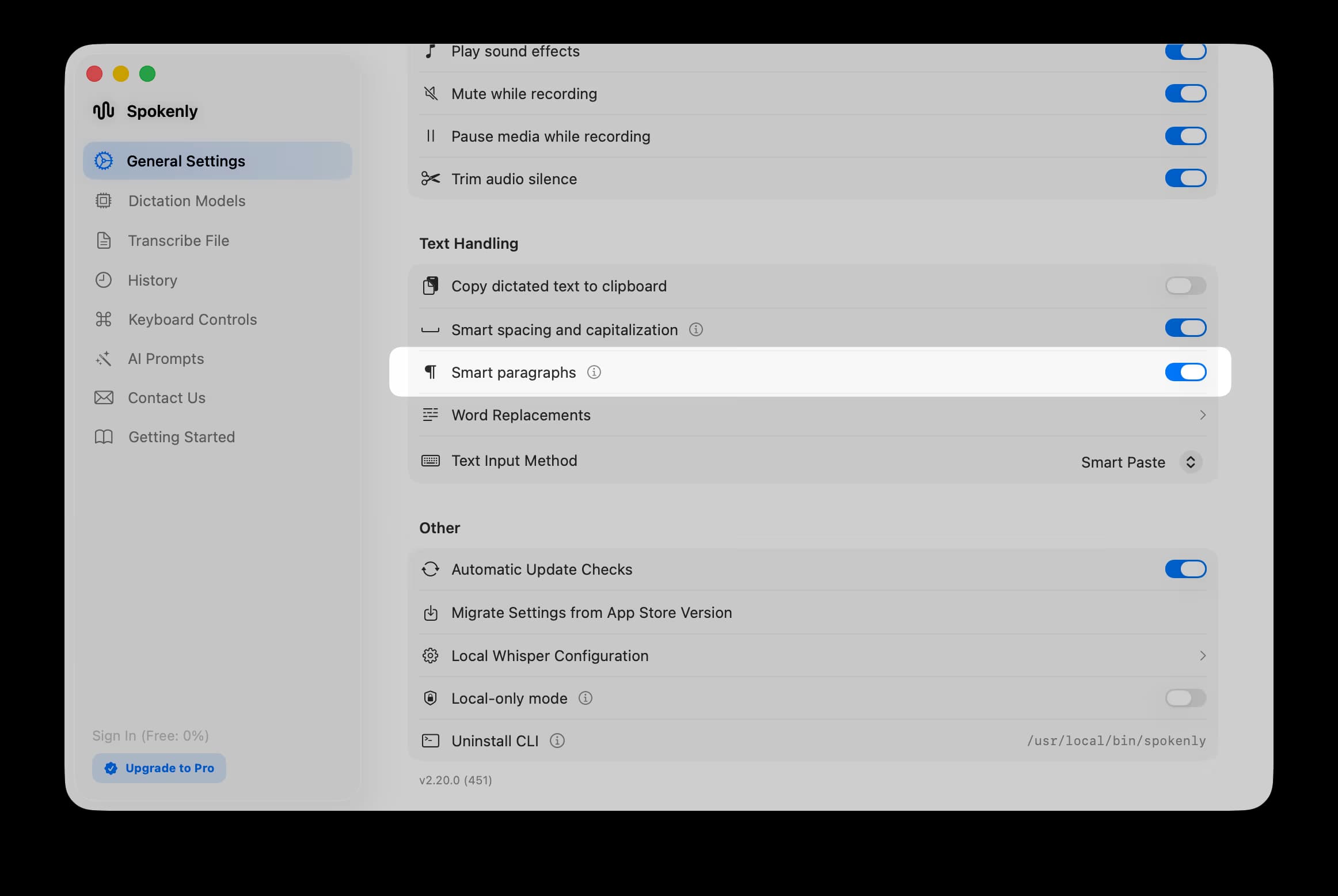
Open Settings > General > Text Handling and switch on Smart paragraphs.